
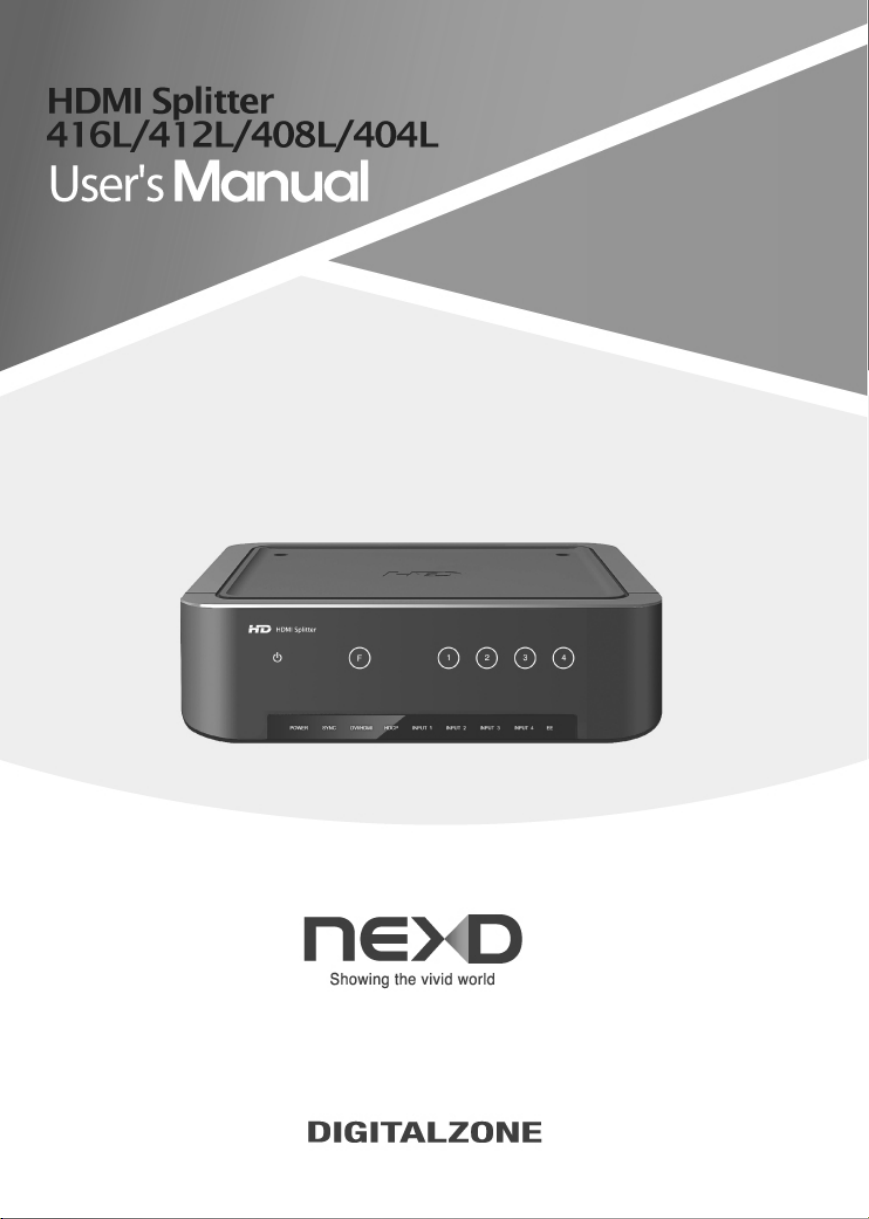
Digital Zone HDMI 416L Manual de usuario
_English
_French
_Spanish
_German
_
Italian
_Dutch
_Russian
_Polish
_Portugal
_Arabic
Important Safety Instructions
1. Read these instructions.
2. Keep these instructions.
3. Heed all warnings.
4. Follow all instructions.
5. Do not use this apparatus near water.
6. Clean only with dry cloth.
7. Do not block any ventilation openings, Install in accordance with the
manufacturer’s instructions.
8. Do not install near any heat sources such as radiators, heat registers, stoves, or
other apparatus (including amplifiers) that produce heat.
9. Do not defeat the safety purpose of the polarized or grounding-type plug, A
polarized plug has two blades with one wider than the other. A grounding type plug
has two blades and a third grounding prong. The wide blade or the third prong are
provided for your safety, If the provided plug does not fit into your outlet, consult an
electrician for replacement of the obsolete outlet.
10. Protect the power cord from being walked on or pinched particularly at plugs,
convenience receptacles, and the point where they exit from the apparatus.
11. Only use attachments/ accessories specified by the manufacturer.
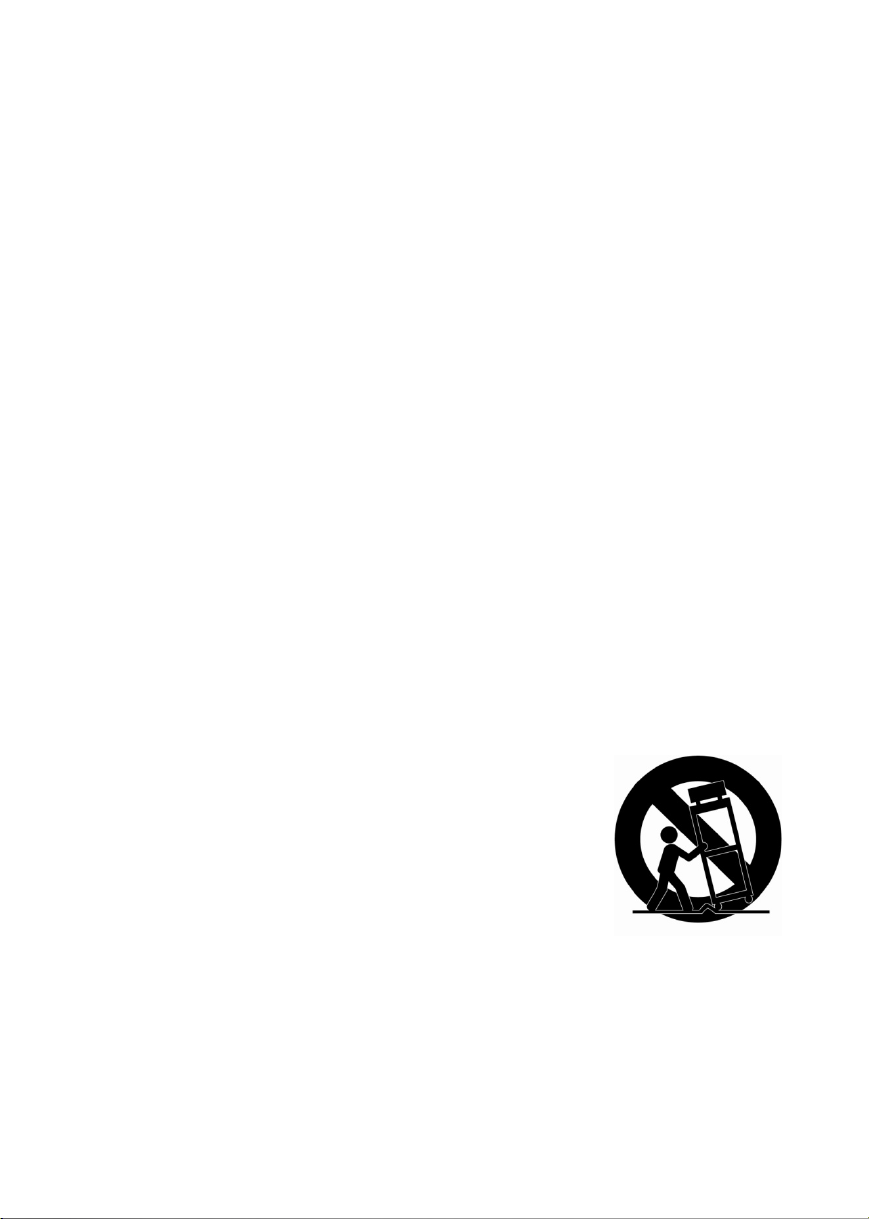
12. Use only with the cart, stand, tripod, bracket, or table
specified by the manufacturer, or sold with the apparatus. When
a cart is used. Use caution when moving the cart/apparatus
combination to avoid injury from tip-over.
13. Unplug this apparatus during lighting storms or when
unused for long periods of time
14. Refer all servicing to qualified service personnel. Servicing
is required when the apparatus has been damaged in any way, such as power-
supply cord or plug is damaged, liquid has been spilled or objects have fallen into
the apparatus, the apparatus has been exposed to rain or moisture, does not
operate normally, or has been dropped.
3
WARNING
TO REDUCE THE RISK OF FIRE OR ELECTRIC SHOCK, DO NOT EXPOSE THIS
PROCUCT TO RAIN OR MOISTURE. DO NOT INSERT ANY METALLIC OBJECT
THROUGH THE VENTILATION GRILLS OR OTHER OPENNINGS ON THE
EQUIPMENT.
Apparatus shall not be exposed to dripping or splashing and that no objects filled with
liquids, such as vases, shall be placed on the apparatus
CAUTION
EXPLANATION OF GRAPHICAL SYMBOLS
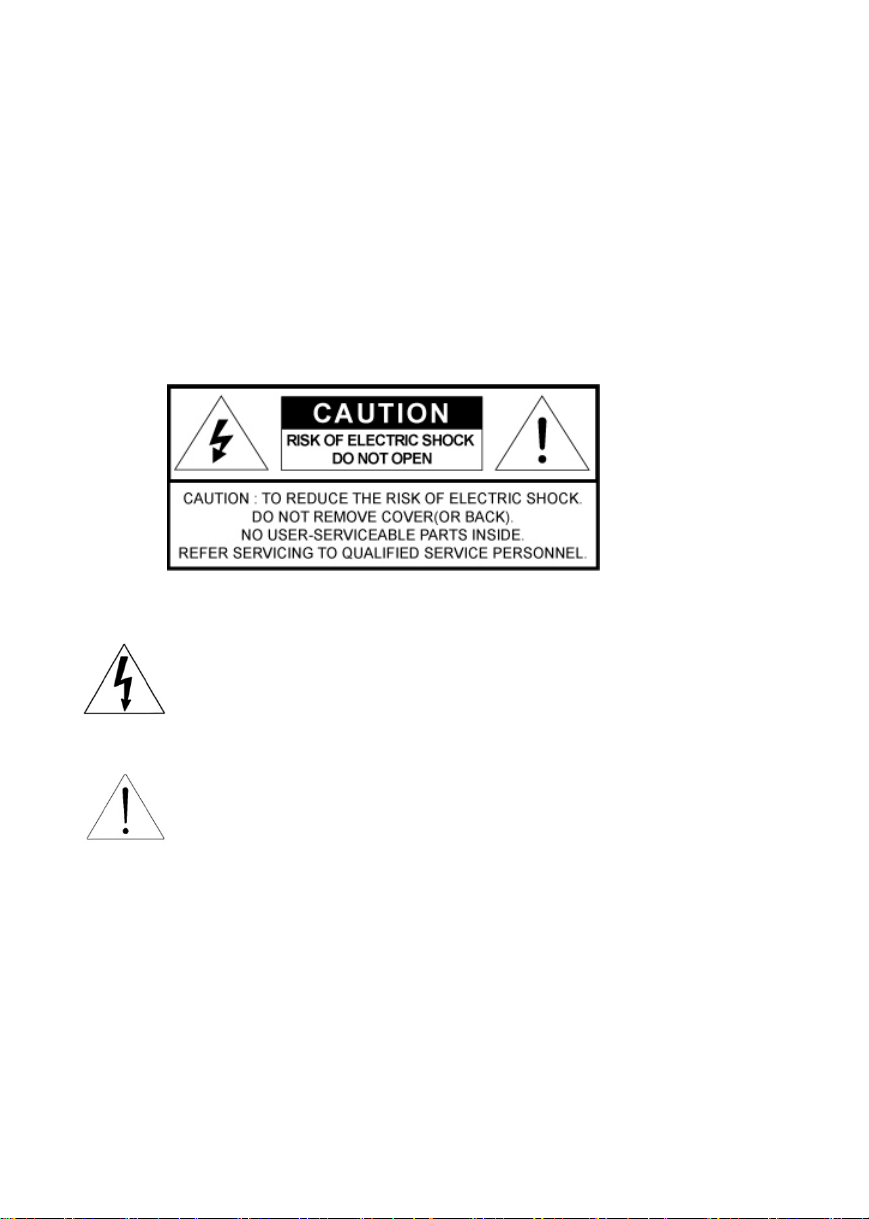
The lightning flash with arrowhead symbol, within an equilateral triangle, is
intended to alert the user to the presence of “dangerous voltage” within
the product’s enclosure that may be of sufficient magnitude to constitute a
risk of electric shock to persons.
The exclamation point within an equilateral triangle is intended to alert the
user to the presence of important operating and maintenance (servicing)
instructions in the literature accompanying the product.
ClassⅠconstruction
An apparatus with CLASSⅠconstruction shall be connected to a MAINS socket outlet
with a protective earthing connection.
Battery
Batteries(battery pack or batteries installed) shall not be exposed to excessive heat
such as sunshine, fire or the like.
4
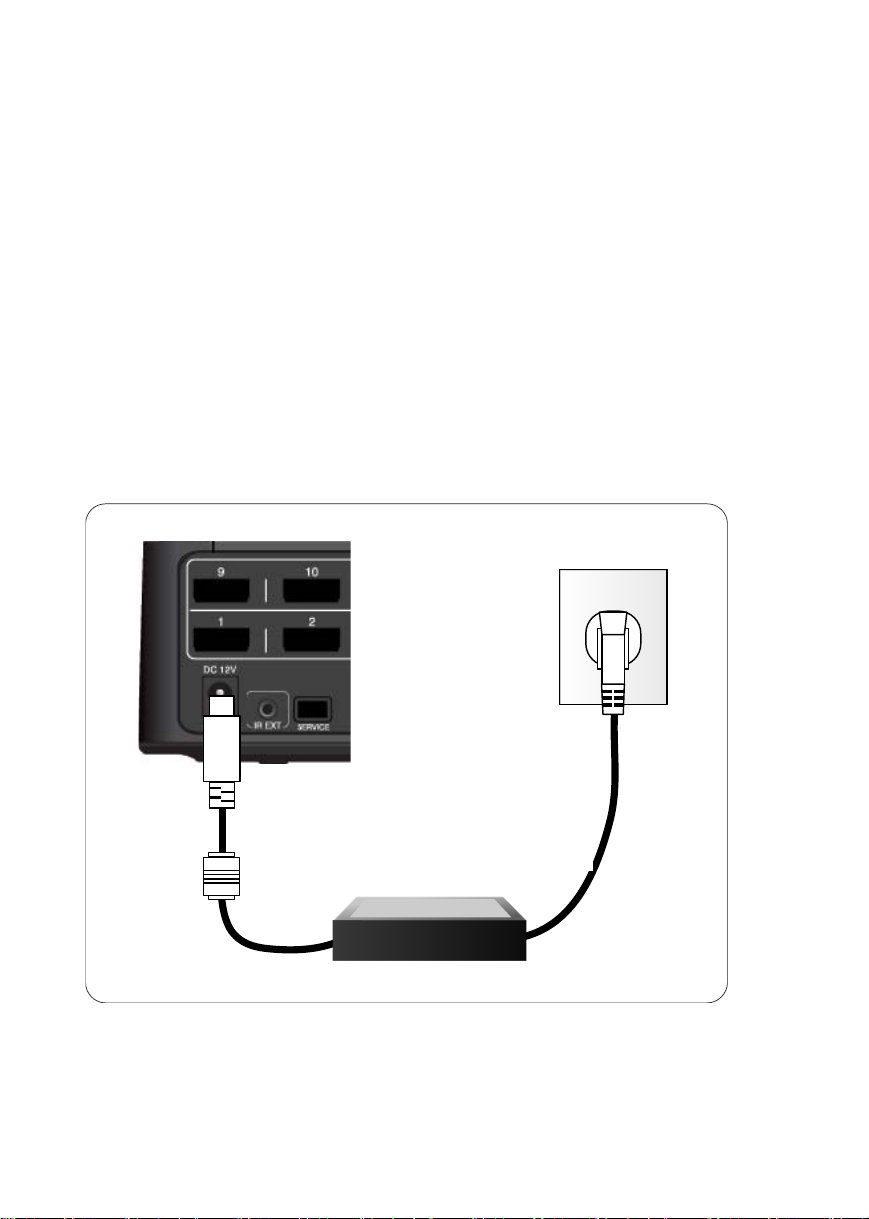
Disconnection Device
Disconnect the main plug from the apparatus, if it’s defected. And please call a repair
man in your location.
When used outside of the U.S., it may be used HAR
code with fittings of an approved agency is employed.
CAUTION
These servicing instructions are for use
by qualified service personnel only. To reduce the risk of electric shock do not
perform any servicing other than that contained in the operating instructions unless
you are qualified to do so.
Apparatus shall not be exposed to dripping or splashing and no objects filled
with liquids, such as vases, shall not be placed on the apparatus.
Where the MAIN plug or an appliance coupler is used as the disconnect device,
The disconnect device shall remain readily operable.
※ DigitalZone will not be responsible
for any problems caused by using
any other adopter we don't provide.

User’s Manual
5
Important safety instructions
Please read following recommended safety instructions carefully.
Do not place this product on an uneven
surface.
Do not install on a surface where exposed to
direct sunlight, near heating .equipment or
heavy cold area.
Prevent water or dust from the product.
Do not attempt to repair this product yourself.
Do not place glass contained of liquid
on the product.
Do not install this product near
any magnetic source.
Place the product at proper ventilation
area.
Do not place heavy items on the product.
© Copyright 2011, DigitalZone Co., Ltd. All rights reserved.
Read these operating instructions carefully before using the product.
Follow the safety instructions on the unit and the safety precautions listed in the manual.
Keep this manual handy for future reference.

NEXD HDMI Splitter
6
Contents
Important Safety Instruction ··················································································· 5
Contents ·················································································································· 6
English ··················································································································· 8
Control & Connection options ·················································································· 9
Packages and accessories ·················································································· 11
Remote control Unit ····························································································· 12
Insert battery·········································································································· 12
Connection············································································································· 13
How to use NEXD HDMI Splitter············································································ 14
Troubleshooting for no power ················································································ 14
CEC, USB (Firmware upgrade) & RS-232 (Remote Control)································· 14
How to use EDID Emulation Mode ········································································ 15
Dynamic mode ··································································································· 15
Static mode ········································································································ 16
Specification ·········································································································· 16
Troubleshooting for no power ················································································ 17
French ·················································································································· 17
Spanish ················································································································ 23
German ················································································································ 30
Italian ··················································································································· 36
Dutch ···················································································································· 42
Russian ················································································································ 48
Polish ··················································································································· 54
Portugal ················································································································ 60
Arabic ··················································································································· 66
User’s Manual
7

NEXD HDMI Splitter
8
English
User’s Manual
9
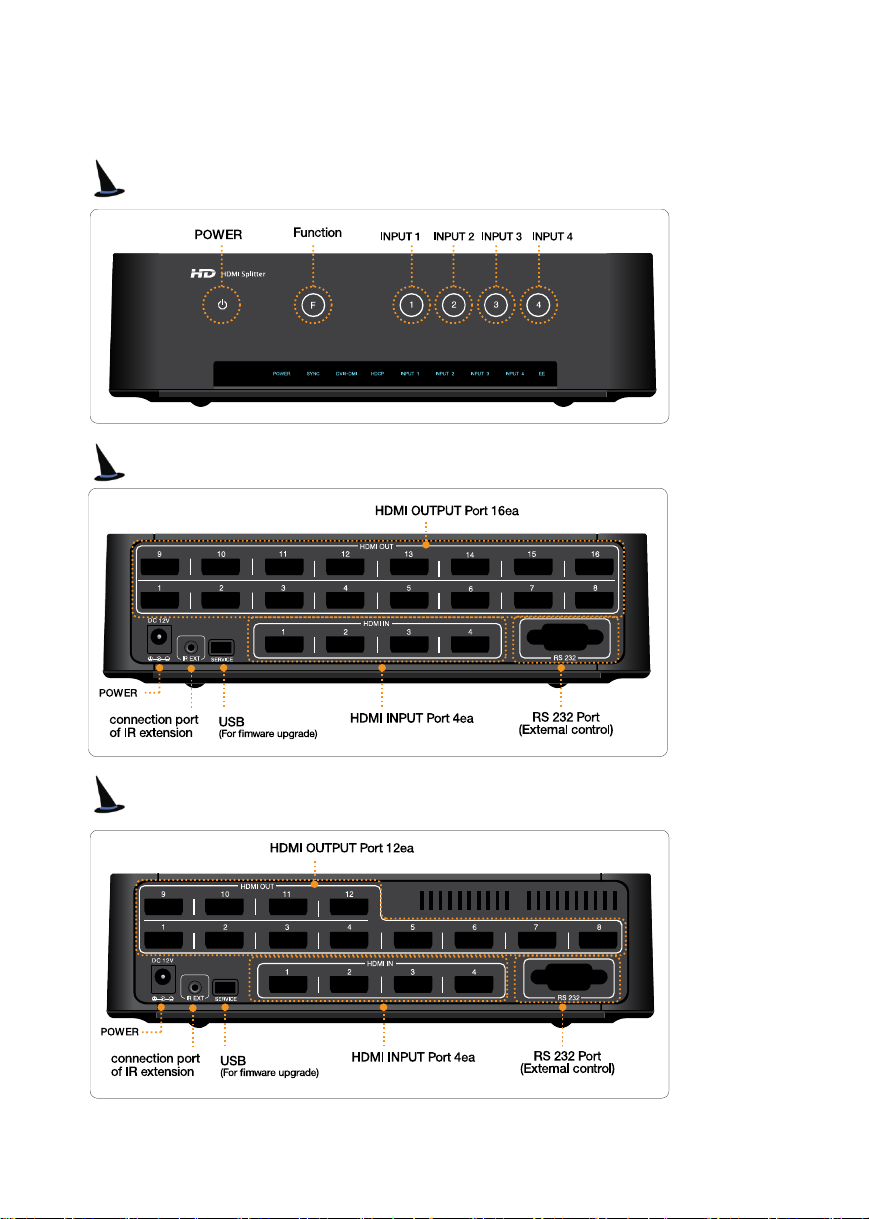
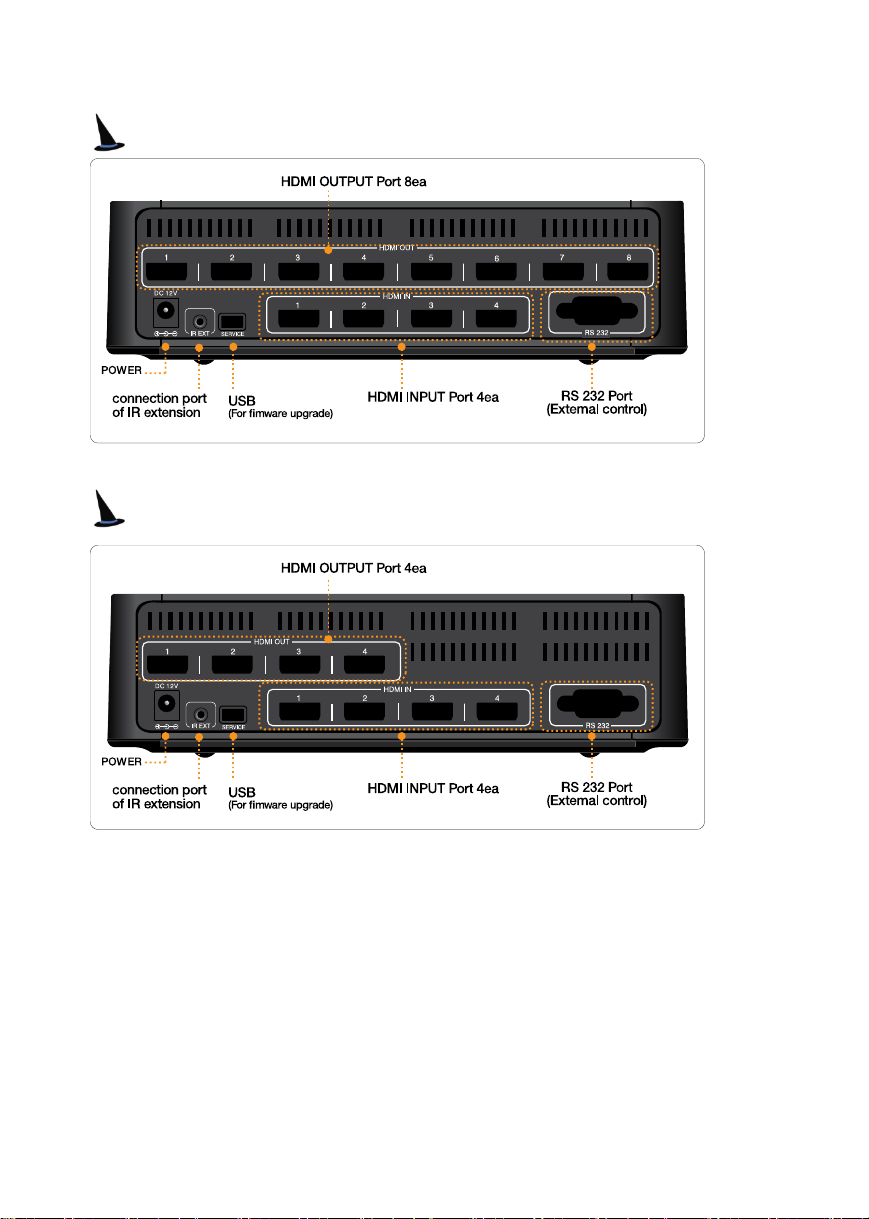
Controls & Connection Options
Front
Rear (416L)
Rear (412L)
NEXD HDMI Splitter
1
0
Rear (408L)
Rear (404L)
Este manual sirve para los siguientes modelos
3
Tabla de contenidos
Idiomas:
Otros manuales de Cables y conectores de Digital Zone


