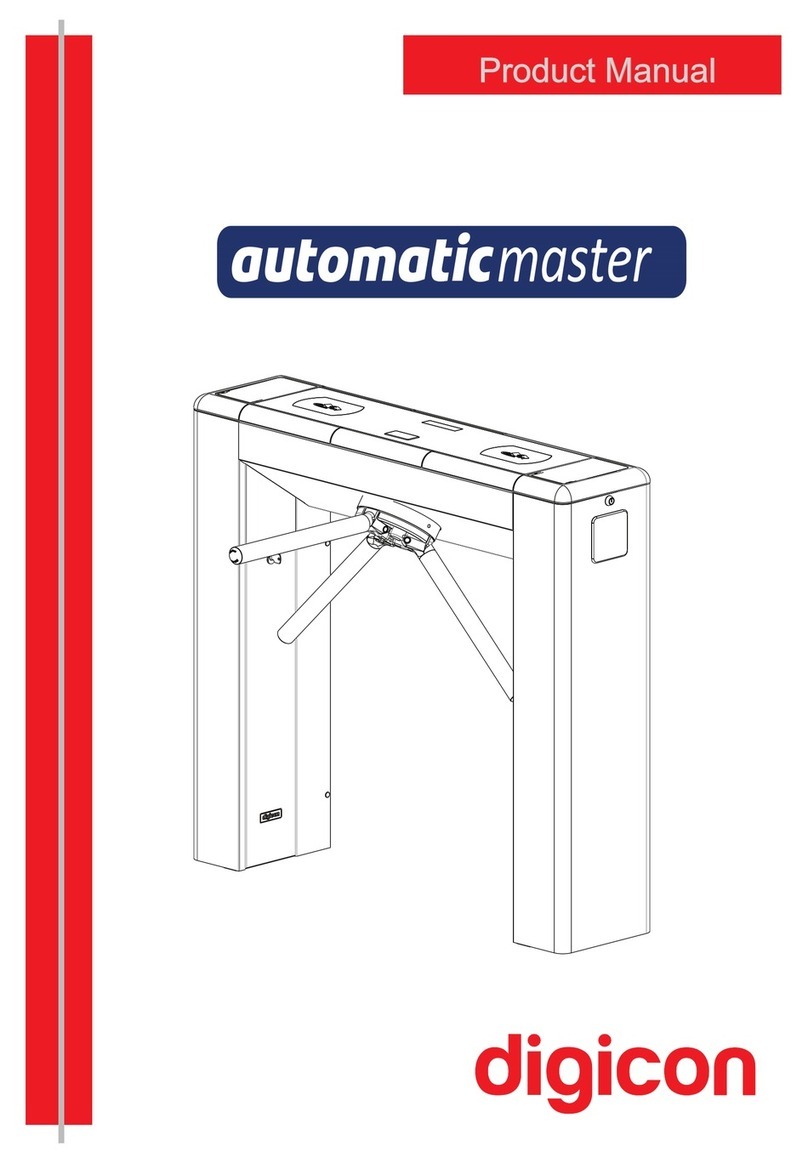
digicon dGate Manual de usuario

Product Manual


Copyright– Digicon S.A.
Controle Eletrônico para Mecânica – 2016
All rights reserved. No part of this publication may be reproduced, transmitted,
transcribed, stored in a retrieval system, translated into any language or computer language
in any electronic, magnetic, optical, chemical, manual way, or otherwise, without the express
written permission from Digicon S.A.
Code: 069.31.213
Version: 02
This manual was elaborated by: Digicon S.A. Controle Eletrônico para Mecânica
Documentation Sector - EDS

Contents
05
06
06
07
08
09
09
10
10
13
14
14
16
17
17
19
19
20
21
22
22
23
24
24
25
25
26
26
28
29
1. Important instructions ...................................................................................
2. Orientation ...................................................................................................
3. Introduction .................................................................................................
4. Features of dGate..........................................................................................
4.1.Block dGate operation ..................................................................................
5. Installation and assembly ...............................................................................
5.1.Unboxing....................................................................................................
5.2.Preparing for fixing ......................................................................................
5.3.Fixing to the floor ........................................................................................
5.4.Access to dGate after assembly .....................................................................
6.Power connection ...........................................................................................
6.1.Connections between cabinets .......................................................................
6.2.Electric panel ..............................................................................................
6.3.Electric power and logic supply......................................................................
6.4 ....................................................................................................Interface
7. Optional items ..............................................................................................
7.1.Collecting box kit.........................................................................................
7.2.Pictograms .................................................................................................
7.3.Display.......................................................................................................
8. Sensors .......................................................................................................
8.1 barriers of sensors.......................................................................................
9.Anti-panic .....................................................................................................
10.Maintenance ...............................................................................................
10.1.Door ........................................................................................................
10.2.Equipment cleaning....................................................................................
10.3 Defects and possible causes ........................................................................
11. Technical characteristics ..............................................................................
11.1 Dimensions ...............................................................................................
11.2 Other information ......................................................................................
12. Warranty and technical assistance .................................................................

1. Important instructions
You can see, below, the symbols that will appear in this manual, signaling important
moments. It is essential to pay attention to them.
TIP: Indicates something Digicon considers important.
CAUTION: Indicates a moment of extreme caution when
handling the equipment/product.
ATTENTION: Indicates a moment when your observation
skills should be extremely productive.
INFORMATION: Presents interesting facts about the
purchased product.
QR CODE: Presents additional information or links
with more details about the presented text.
05

06
Read the information and instructions of this manual carefully, before using the
product. This ensures the correct use of the equipment and maximum use of its
technical features as well as a prolonged service life.
This product does not present sealing against the rain, that is, it is designed to
be used indoors.
Keep this manual for future consultations.
Digicon reserves its right to its products at any moment to adapt themchange
to more recent technical advancements.
Digicon maintains its right to the information contained in this manualchange
without previous notice.
Digicon does not provide any contractual warranty concerning the information
in this manual, and cannot be held responsible for errors it may contain and
problems due to its use.
The information contained in this manual is exclusive property of Digicon and is
protected by copyright laws.
This manual cannot be reproduced, photocopied or translated, in its entirety or
in part, into any kind of medium, without Digicon's written consent.
2. Orientations
3. Introduction
When innovation meets and design meets reliability, you meet the bestrobustness
access control solution. Digicon presents a solution thought out in the smallest details
to bring innovation, quality, and design to the access control market. dGate is born as
the results of an intense process of research in world tendencies and a thorough
engineering work.

07
4. Features of block dGate
The access control system dGate has a motorized system for opening and closing
access doors activated after identification and authorization of user access. A system
of sensors is used to identify and avoid passage of non-authorized people – bobbing
attempts.
AISI 304 brushed stainless steel casing manufactured in 2.0mm sheets.
Angel wings and swing gate doors in Tempered Glass or Polycarbonate with 12mm
of thickness.
Side doors open via key with secret – they open to the block's interior and facilitate
access to configuration and maintenance.
Specific micro processed controller allows accelerating and decelerating the door's
movement, optimizing passage flow.
motorHigh-performance dPower with door opening in 0.7 seconds, silent and with
encoder for precise positioning.
Indicators for visual and sound alarms.
Detection system: 8 infrared sensors to detect passage plus 2 safety sensors
(the model has 2 extra sensors).PNE
Anti-crushing system: the doors open when they detect an obstacle.
Anti-fraud system with sound alarm and bobbing detection (user in opposite
direction and invalidated passage attempt).
Direction control: allows bidirectional operation – can be configured to work in
different passage directions.
Emergency opening: automatic opening in case of power failure or activation of
energy alarm.
Internal space specific for integrating the access controller.
Full range supply (from 90 to 240 Vca).power
version with doors closedConsumption of 25W (in the 500mm ).
U RGBpper pictogram (operation) with high-brightness leds, with individual
control for each color.
F RGBrontal pictogram (orientation) with leds, with individual brightness control
for each color.
moto.Dedicated microcontroller for controlling the
High-durability Brushless engine.
Door positioning control monitored by a magnet encoder (no wear since it is
magnetic).

4.1 dGate operation
dGate access controller has a motorized system for opening and closing the access
doors, which is activated after the identification and authorization of user access
(access controller board is required. Ex.: board).MCA
A system of sensors is used to identify and avoid the passage of non-authorized people
or bobbing attempts.
dGate uses the exclusive dPower , completely developed by Digicon with patentmotor
technology.
dPower allows controlled, smooth, silent, and comfortable turning for the user.
Some engine characteristics:
Robust;
Reliable;
High performance;
Electronicontrol;
Silent.
The equipment has an operation mechanism activated by a permanent-magnets
engine, brushless type. The motor set is activated by direct current converted through
the activation of signals for later activation of the coil set.PWM
The engine is brushless-type, which is, the use of direct-current engines that use coal
as elements of its commuting system of magnet field is not accepted.
The equipment's activating mechanism (permanent-magnets brushless-type engine)
must be sealed and made of robust casing, with heat dissipation via natural or forced
convection; its mechanical elements, subject to supporting efforts, must be
permanently lubricated.
Voltage: 24Vdc
Power: 60W
Tork: 6,96Nm
Torque: <45dB
08
Motor SW
(swing gate)
Motor AW
(angel wing)
Voltage: 24 Vdc
Power: 72W
Tork: 17Nm
Torque: <20dB

5.Installation and assembly:
5.1 Unboxing:
As the items inside the package can vary (depending on the client's requests), it is
important to perform a cautious visual inspection before installing and assembling the
turnstile. A checklist that works as a guide during inspection accompanies all Digicon
packages.
09
INFORMATION: The cover is configured according to commercial
combination.
Glass/polycarbonate
door (door-type
optional: or )AW SW
Collecting Box kit inlet
(optional)
Upper cover
(glass or stainless steel)
Orientation
pictogram
Access pictogram
(operation)
Frontal or rear
column
Side doors for accessing
The equipment's
electronics and mechanism
Package
Display
(optional)
SW

5.3 Fixing to the floor
The image below indicates the fixing points on the floor.
The surface must be steady and leveled to ensure good alignment of the sensors.
Fixing can be done through anchor bolts, also known as parabolts, through chemical
fixing.
5.2 Preparation for fixing
Before installing block , check:dGate
1. The place chosen for installing the equipment;
2. If there is a power source or electric socket nearby (ducts for connection).
3. If the place chosen is adequate for the installation of the access controller (indoors).
4. If the floor has conditions to receive anchor bolts (at least 4cm of 15 M.P.A.FCK
concrete or equivalent).
ATTENTION: Once the block dGate installation requires floor drilling, it is
extremely important that the place of installation be chosen carefully.
INFORMATION: Measures of the blocks dGate are illustrated in millimeters
and (Inches).
TIP: To fasten the screws, use a tool with a long extensor.
-Fixing points
10
Optional fixing points
70 (2.755")
1309(51.535")
1416(55.748")
159 (6.259")
320(12.598")
320(12.598")
130(5.118")
130(5.118")
240(9.448")
Ø15(0.590")
90
(3.543")
84
(3.307")
220(8.661") 220(8.661") 220(8.661")
Tabla de contenidos
Otros manuales de Controladores de acceso IP de digicon