
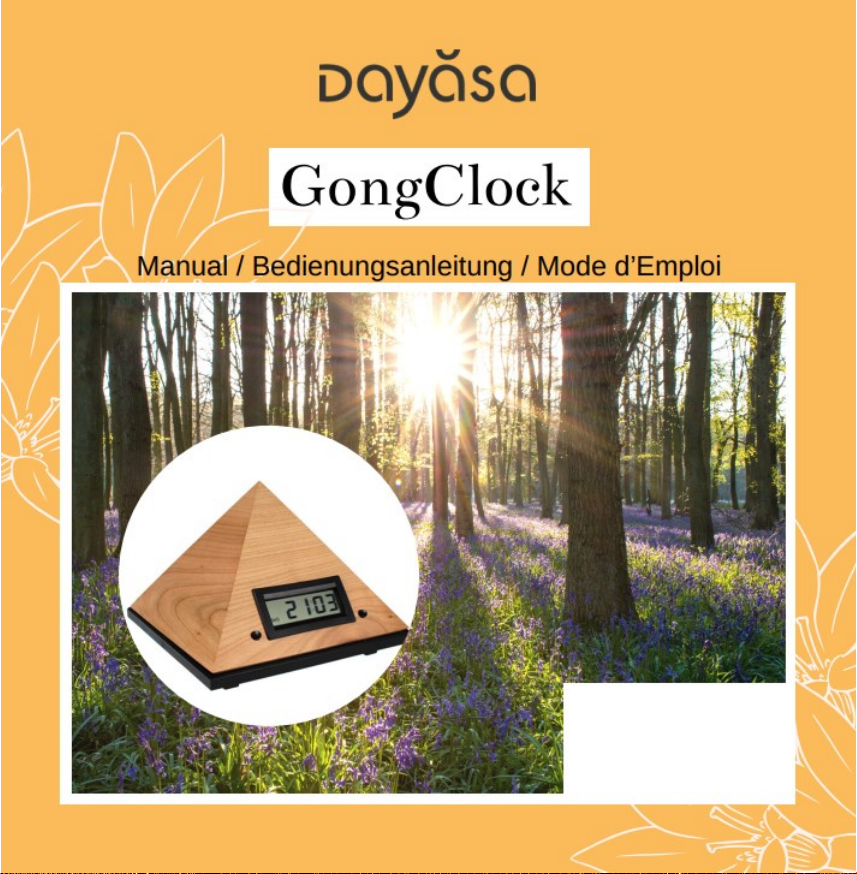
Dayasa GongClock Manual de usuario
1
English Page 2
Deutsch Seite 9
Français Page 16

2
GongClock (English)
1. FITTING IN THE BATTERIES
Remove the battery cover as illustrated on page 23 and insert four new AA size
batteries (Mignon/LR06). All four batteries should be fully charged. Then close the
battery compartment again.
The usage of rechargeable batteries is not recommended.
2. INTRODUCTION
The GongClock features 3 functions:
Clock
Alarm clock - including a “snooze” option
Interval chiming (can chime every 15, 30 or 60 minutes)
To activate and deactivate these functions, there are two push buttons:
T1 on the left
T2 on the right
Each button can be used in 3 ways:
short pressure
1 to 2 seconds pressure
pressure longer than 3 seconds
In normal mode the display shows the time as well as the optional settings:
The ((o)) symbol is displayed when the “interval chiming” is activated.

3
The bell is displayed when the alarm is set. It blinks when the snooze
function is activated.
The battery symbol appears and slowly flashes when the batteries are
getting low. When the symbol flashes faster, batteries need to be changed.
During setting operation:
If you come across a setting mode you do not wish, just hold T1 until the time
is displayed, then start again.
If you pause for more than 15 seconds, the clock will automatically return to
the normal mode and display the time.
2. SETTING TIME FORMAT AND TIME
1. Press T1 for 1 to 2 seconds
2. Press T2 while holding down T1 and keep both buttons pressed until H:12 or
H:24 is displayed.
- H:12 indicates a 12-hour display (with am / pm)
- H:24 indicates a 24-hour display
3. Select the desired time format by clicking on T2.
4. A click on T1 will validate your choice and the minutes will start flashing.
5. Proceed with setting the time:
- Set the minutes by pressing T2.
- Click on T1 to confirm and the hours will start flashing.

4
- Set the hours by pressing T2.
- Click on T1 to confirm.
Once this step is completed, the GongClock automatically returns to the normal
time display mode. For accurate setting, the time counting starts at exactly this
time.
3. SETTINGS OF OTHER FUNCTIONS
To access the other functions press and hold down (more than 3 seconds) the left
T1 button until the display shows H1. By clicking on T2 you can subsequently
navigate to H2, H3, H4, H5 and then return to H1.
H1 to H5 represent the following functions:
- H1: Setting the alarm.
- H2: Activate the snooze function.
- H3: Length of the time interval for the interval timer function.
- H4: Setting thesound level.
- H5: Activate the “immediate chiming” function (the gong
chimes when you activate the alarm or the interval chiming functions).
3.1 Setting and Activating the Alarm - H1
Navigate to H1 as described above and confirm with T1. You can then set the
alarm time in the same way as the time:
- Set the minutes by clicking on T2.
- Click on T1 to confirm and the hours will start flashing

5
- Set the hours by clicking on T2.
- Click on T1 to confirm.
Once this step is completed, the Gong Clock automatically returns to the normal
time display mode.
To activate the alarm: press T2 for 1 - 2 seconds until the bell is displayed. The
alarm clock will sound at the set time.
To deactivate the alarm:press T2 for 1 - 2 seconds and the bell disappears.
To stop the alarm when it is sounding: simply click on T1 or T2. Otherwise, the
gong chime automatically will stop after 3½ minutes.
Note: If the alarm function is kept activated (bell is displayed) the alarm of the
GongClock will chime again the next day at the set time.
3.2 Setting the Snooze –H2
The snooze function temporarily interrupts the chime-alarm. It will start again
automatically 5 minutes later. You can do this repeatedly.
To activate or deactivate the snooze mode:
1. You have the alarm time set and activated (H1) - the bell is displayed.
2. Navigate to H2 as described above and confirm with T1.
3. With T2 you switch between “Sno” (snooze on) and “OFF”.
4. Press T1 to confirm your selection.
When the snooze mode is on and the alarm activated, the displayed bell keeps
flashing.

6
To snooze the alarm: press T1 or T2 to stop the chiming for 5 minutes.
To turn the alarm off completely: press either T1 or T2 for more than 3 seconds
until OFF is displayed.
Note: If the alarm and snooze functions are kept activated (blinking bell is
displayed), the alarm of the GongClock will chime again the next day at the set
time.
No matter what alarm mode you use (with or without snooze), if you let the gong
chime end without interrupting it, the GongClock will sound again after 3 minutes.
If you do not interrupt it again, it will stop sounding even if the snooze function is
active! This is a “safety function” meant to extend the battery life in case one
forgets to stop the alarm.
3.3 Setting the Interval Chiming –H3
The GongClock can chime
- every 15 minutes (at "a quarter past", "half past", "a quarter to" and on the
hour) or
- every 30 minutes (at "half past" and on the hour), or
- every 60 minutes (on the hour).
To set the chime interval: navigate as described above to function H3. Then press
T1 to accept. The first possible time interval is displayed. Select the other options
by pressing on T2. Then press T1 to accept your choice.

7
To activate the chiming: press T1 for 1 to 2 second. The ((o)) symbol appears. If
the H5 function is activated as well, you will hear a sample of the chime (a click on
T1 or T2 will stop it).
To deactivate the interval chiming: press T1 for 1 to 2 second. The ((o)) symbol
disappears.
3.4 Setting the chime volume –H4
1. Navigate to H4 as described above until the display shows H4. Then press T1 to
confirm.
2. By repeatedly clicking on T2, you can select of the three options: from 1 (low)
to 3 (loud).
3. Press T1 to confirm your selection.
3.5 Setting the “immediate chiming” –H5
“Immediate chiming” enables you to hear a sample of the sound when you are
setting either the alarm or the interval chiming. A short press on T1 or T2 will stop
the chimes.
To activate or deactivate this function:
1. Navigate to H5 as described above. Then press T1 to confirm.
2. Short clicks on T2 will display the choice between ON and OFF.
3. Press T1 to confirm your selection.
5. BACKLIGHTING OF THE DISPLAY
The backlighting of the display allows you to read the time during the night.

8
The backlighting will be active for a few seconds, as soon as you slightly touch the
housing or when the GongClock is moved.
6. DISPLAY OF THE BATTERY ICON
The battery symbol flashes when the batteries become weaker. When it stops
flashing, replace the batteries –see section 1.

9
GongClock (Deutsch)
1. EINSETZEN DER BATTERIEN
Entfernen Sie den Batteriefachdeckel wie auf Seite 23 illustriert und setzen Sie 4
neue Batterien der Größe AA (Mignon/LR06) ein. Alle 4 Batterien sollten
vollgeladen sein. Anschließend den Batteriefachdeckel wieder einsetzten.
Die Verwendung von wieder aufladbaren Akkus wird nicht empfohlen.
2. EINFÜHRUNG
Die GongClock bietet 3 Funktionen:
Uhr
Wecker - inklusive Schlummerfunktion (Snooze)
Intervall-Gong (kann alle 15, 30 oder 60 Minuten ertönen)
Zum Aktivieren und Deaktivieren dieser Funktionen gibt es zwei Drucktasten:
T1 links vom Display
T2 rechts vom Display
Jede Taste kann auf 3 Weisen betätigt werden:
kurzes drücken
1 bis 2 Sekunden drücken
länger als 3 Sekunden drücken
Das Display zeigt im Normalbetrieb die Uhrzeit sowie die optionalen Einstellungen
an:

10
Das Symbol ((o)) wird angezeigt, wenn der Intervall-Timer aktiviert ist.
Die Glocke wird angezeigt, wenn der Alarm eingestellt ist. Sie blinkt, wenn
die Schlummerfunktion („Snooze“) aktiviert ist.
Ein langsam blinkendes Batteriesymbol zeigt an, dass die Batterien schwach
werden. Wird das Blinken schneller, müssen die Batterien gewechselt werden.
Während der Einstellung:
Wenn Sie eine Einstellung abbrechen oder neu beginnen wollen, halten Sie T1
gedrückt, bis wieder die Uhrzeit angezeigt wird, und starten Sie dann erneut.
Wenn Sie eine Pause von mehr als 15 Sekunden machen, geht die Uhr
automatisch in den Normalzustand mit der Uhrzeit-Anzeige zurück.
2.EINSTELLUNG VON ZEITFORMAT UND UHRZEIT
1. T1 für 1 bis 2 Sekunden drücken.
2. Drücken Sie T2, während Sie T1 gedrückt halten und halten Sie beide Tasten
gedrückt, bis H:12 oder H:24 angezeigt wird.
- H:12 bedeutet 12-Stunden-Anzeige (mit am / pm)
- H:24 bedeutet 24-Stunden-Anzeige
3. Wählen Sie das gewünschte Zeitformat durch Drücken auf T2.
4. Mit Druck auf T1 bestätigen Sie Ihre Wahl und die Minuten beginnen zu
blinken.
5. Fahren Sie nun mit der Einstellung der Uhrzeit fort:
- Stellen Sie die Minuten ein, indem Sie auf T2 drücken.
Tabla de contenidos
Idiomas:
Otros manuales de Reloj de Dayasa

Manuales populares de Reloj de otras marcas

Silicon Laboratories
Silicon Laboratories SI5324 Manual de usuario

Heathkit
Heathkit GC-1005 Manual de usuario

Oregon Scientific
Oregon Scientific PRYSMA RMR221P Manual de usuario

Andrew O'Malley
Andrew O'Malley DOTKLOK Manual de usuario

ALGE-Timing
ALGE-Timing ASC3 Manual de usuario

Bodet
Bodet Profil 960 Manual de usuario


