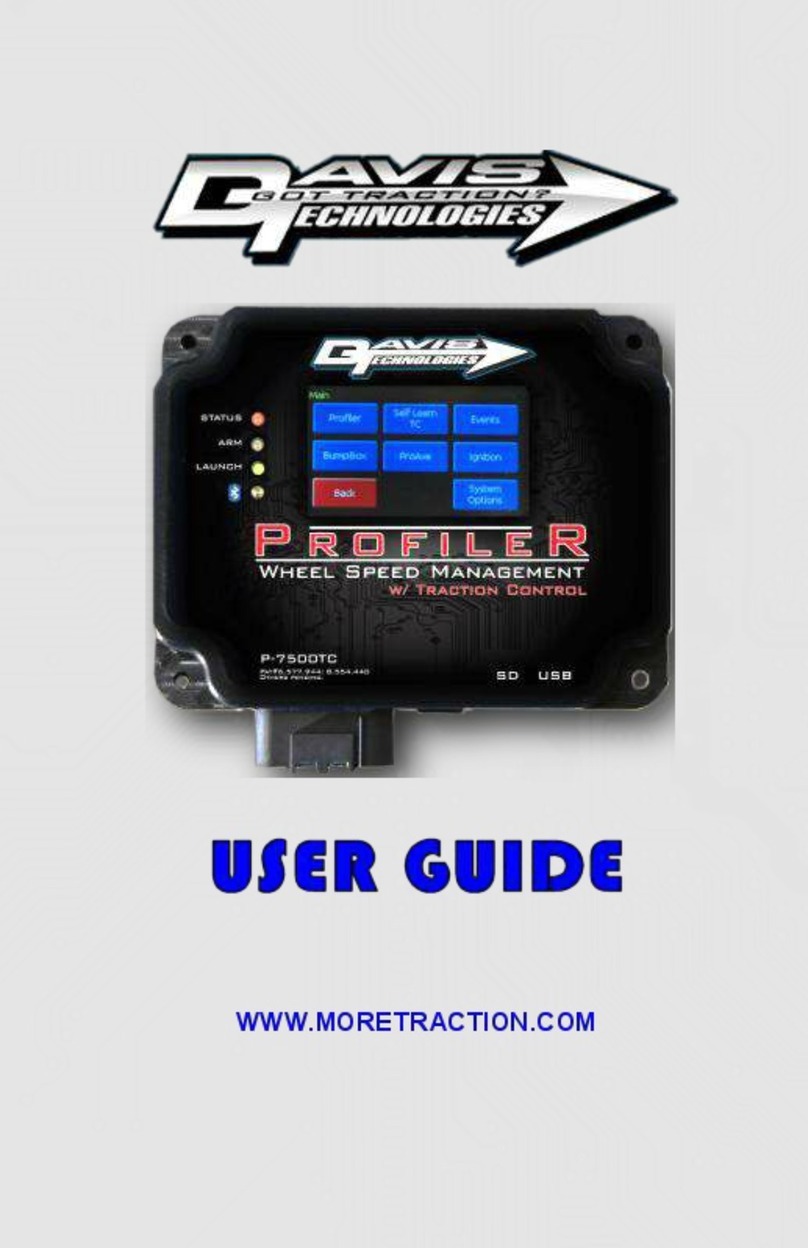
DAVIS TECHNOLOGIES TC-3 Series Manual de usuario

WWW.MORETRACTION.COM
Traction Control
System

1
TC3 Series Traction Control
www.moretraction.com
COPYRIGHT NOTICE
Copyright © 1999-2021 Davis Technologies, LLC.
All rights reserved.
Information in this document is subject to change
without notice. Other products and companies
referred to herein are trademarks or registered
trademarks of their respective companies or mark
holders. Any components shown are for illustration
or instructional purposes only.
Publication and redistribution of this manual over
the Internet or in any other medium without prior
written content is expressly forbidden. In all cases
this copyright notice must remain intact and
unchanged.
Davis Technologies, LLC.
PO Box 8250
Asheville, NC. 28814
(828) 645-1505
email: [email protected]
web: www.MORETRACTION.com
TRADEMARKS
All trademarks used herein are the property of their
respective owners.
Holley® is a registered trademark of Holley
Performance Products, Inc.
RacePak® is a registered trademark of Competition
Systems, Inc.
FuelTech® is a registered trademark of FuelTech
USA.
01/21

2
TC3 Series Traction Control
www.moretraction.com
Table of Contents
Table of Contents.........................................................2
Introduction ..................................................................5
Remote Display ..............................................................6
Digital Ignition Controller .........................................7
How Does It Work?........................................................8
Control Methods ....................................................... 10
Timing Control......................................................... 10
SmartDrop® ............................................................. 11
TC3 Options ................................................................ 12
Self-Learning Traction Control ........................... 13
Wheelie Control (add-on purchased separately)............ 14
Installation ................................................................ 15
Wiring........................................................................ 16
Pin Out......................................................................... 18
Schematics .................................................................. 19
Digital Ignition Controller (DIC) .......................... 19
MSD Grid .................................................................. 20
Holley Basic ............................................................ 21
Holley Advanced ..................................................... 22
FuelTech ................................................................... 23
Testing After Installation........................................ 24
Setup and Configuring .............................................. 25
Remote Display Screens......................................... 25
Home Screen ............................................................ 26
Utilities .................................................................... 29
Main Screen ................................................................ 31
Profiler .................................................................... 31
Analog Input ............................................................ 33
Traction Control .................................................... 34
Settings.................................................................... 39

3
TC3 Series Traction Control
www.moretraction.com
Firmware Updating ......................................................42
Appendix A ...................................................................43
Appendix B ...................................................................44
Appendix C ...................................................................47
Appendix D ...................................................................49
Holley EFI Config ....................................................49
FuelTech Config .......................................................51
Analog Config ..........................................................52
Appendix E....................................................................53
Using Profiler Software for Data Log Download
...................................................................................53
Disclaimer ....................................................................54
Notes............................................................................56
Notes............................................................................57
Contact Information ..................................................58

4
TC3 Series Traction Control
www.moretraction.com
THIS PAGE LEFT BLANK

5
TC3 Series Traction Control
www.moretraction.com
Introduction
The TC3 Series of Traction Control is the most
advanced and tunable system Davis Technologies
has ever produced. With easy to use menus on the
Remote LCD display or PC, adjustments are easy to
make and very precise.
As with all technical devices such as engines,
shocks, carburetors, clutches etc., the product’s
performance is based largely on your ability to use it
properly. Testing in controlled circumstances will
help you determine the proper settings for your
application and your situation. Testing is very
important since it will help you utilize this product to
its full potential.
Please read all of the instructions and information
thoroughly before attempting to install or use this
product.
This manual covers all models in the
TC3 Series, some features shown in
each individual section may not apply to
your specific model.

6
TC3 Series Traction Control
www.moretraction.com
Remote Display
The TC3 series can use a Remote Display
(purchased separately) for the user to interface with
the unit for setup and configuration.
The Remote display can be used with many other
Davis products such as the Profiler, PFEFI, Smart
Relay, Digital Ignition Controller, and the VPS.
The Remote Display does not need to be plugged in
for the TC3 to function, it may be used only as
needed to access the TC3. However, there are no
issues with leaving it connected at all times.
Be certain to return to the Home Screen before
making a run.
IMPORTANT-Always plug the cord into the Remote
first, then into the TC3.

7
TC3 Series Traction Control
www.moretraction.com
Digital Ignition Controller
The TC3 can also be used in conjunction with the
Digital Ignition Controller from Davis Technologies
to control the ignition of most any type of stand-
alone ignition system. The user does not need an
EFI system to use the TC3 for Traction Control. This
can be useful for updating an older technology race
car with some of today’s latest technology. The
Digital Ignition Controller (DIC) can be used to
control timing, rev limiters as well as SmartDrop®
cylinder dropping.
The outputs from theTC3 can be used to signal the
DIC to control the ignition to retard timing or drop
cylinders. This signal can be analog or via CANBUS
(CAN).

8
TC3 Series Traction Control
www.moretraction.com
How Does It Work?
The Non-Self-Learning systems, like our TC-3,
periodically compares the rate of acceleration of the
driveshaft to an Adjustable Fixed Rate (AFR), known
as Threshold. If the DS RPM rate of change is in
excess of that Threshold, then a correction is made.
The comparison is made every 1/32 of a turn of the
driveshaft.
Basically, this Patented system looks for spikes in
DS RPM that are caused by wheel slip. If these
spikes are large enough, based on the threshold
setting, then a correction is made thereby reducing
the slip.
By adjusting the Threshold, the user can tune the
system to correct larger slips, while not reacting to
smaller, harmless, slips. This means the user does
not have to figure out the desired DS/Engine RPM
and build a preset “Dot Plot” (anybody got a crystal
ball?).
Self-Learning systems, such as our TC3-SL,
compare the rate of acceleration of the drive shaft to
a calculated threshold value that is constantly
updated based on the average of the previous
measurements. This update occurs on every drive
shaft revolution. So, if the last 1/32 of a turn of the
drive shaft is faster than the average of the last full
revolution, then a slip is detected. Through this very
advanced Patented process, the system constantly
accounts for track conditions, tire condition, etc. to
constantly update the internal settings. These
settings are updated as many as 1000 times a
second to keep the unit calibrated to exactly the

9
TC3 Series Traction Control
www.moretraction.com
right settings regardless of changing conditions.
Basically, the system learns the average rate of
acceleration of the drive shaft, and if there is a
sudden spike in RPM above that learned rate, then a
correction is made. With the Self-Learning feature,
the user doesn’t have to try to figure out the DS RPM
rate of change and set a “Threshold”, the system
does it for you, every drive shaft revolution!
The user does have an adjustment referred to as
“Mode” that sets the overall sensitivity of the system
to make a correction based the extent of the tire slip.
By adjusting the sensitivity, the user can tune the
system to correct larger slips, while not reacting to
smaller, harmless, slips.
This system is not simply a few lines of code added
to an existing fuel injection or ignition system and
called traction control. This system utilizes a
patented method and multiple high-speed processors
to very accurately and effectively monitor rates of
acceleration to determine wheel speed, and tire slip.
In fact, Davis Technologies’ systems are at least 100
times faster than other systems which are integrated
into the fuel injection or ignition system.
Our systems only job is Traction Control!
Tabla de contenidos
Otros manuales de Sistema de control de DAVIS TECHNOLOGIES