2crestron.com | Doc. 8446A
Crestron Flex UC Solutions
Crestron Flex systems are designed to work seamlessly with Microsoft Teams™, Skype® for Business, and
Zoom® for Unified Communication (UC) solutions. Crestron Flex stems can also employ an Open UC system by
facilitating a presentation using software that is loaded on a personal computer.
Unified Communications Software Options
Crestron Flex works with popular UC platforms. Select a Crestron Flex solution that matches the existing UC
software or implement a UC platform for the very first time!
Choose from the following UC software options:
• Microsoft Teams™ Software
• Skype® for Business Software
• Zoom Rooms™ Software
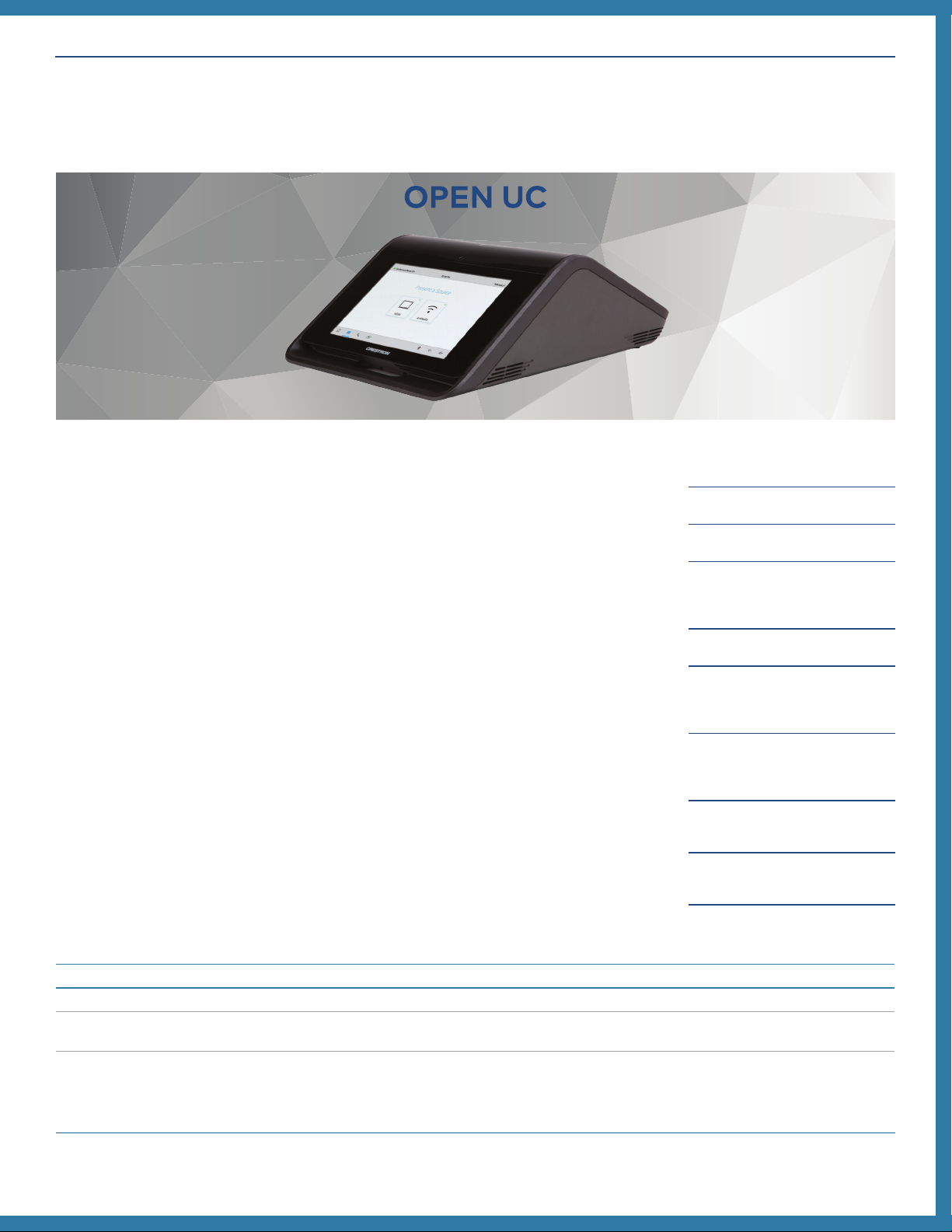
• Open UC - A Bring Your Own Device (BYOD) & Bring Your Own Codec (BYOC) presentation solution.
Excellent if a UC solution is already used.
What are the network requirements?
• Microsoft Teams™ and Skype® for Business - Review the requirements here.
• Zoom Rooms™ - Review the requirements here.
• Open UC - Review the network requirements for your UC solution on their website.
Who will deploy the UC solution?
• To deploy Microsoft Teams™ and Skype® for Business solutions, it is recommend that you pair with a
Skype® for Business or Microsoft Teams™ Rooms Systems Integrator to ensure successful connection.
• To deploy a Zoom Rooms™ solution, contact your Crestron dealer.
Identify Specific Needs
• What size rooms will these solutions be installed in?
• Are there limiting factors in the room?
○Does the conference room also function as a lunch room? Wall-mount presentation devices may be
required.
○Are tables fixed or not fixed?
○Can a sound bar can be hung on the wall? If not, an in-ceiling speaker may be required.
○Where will the control location be?
• How do you intend to collaborate when utilizing the chosen UC Solutions?
○Whiteboarding - Zoom Rooms™
○Live collaboration using Office 365® software - Microsoft Teams™ or Skype® for Business