
Corega BTSHS01 Manual de usuario

Bluetooth
Stereo Headset
BTSHS01
User Manual


BTSHS01 User Manual
1
1
Contents
1. Before Starting........................................................................................................... 2
2. Product Introduction............................................................................................... 3
2.1 Features................................................................................................ 3
2.2 Package Contents..............................................................................3
2.3 Hardware Description..................................................................... 4
2.4 Product Configuration.................................................................... 4
2.5 LED Description.................................................................................5
3. Charge Batteries.........................................................................................................6
4. Start Using.................................................................................................................... 7
4.1 Use with audio devices................................................................... 7
(1) Power On........................................................................ 7
(2) 3.5mm audio connector............................................ 7
(3) Pairing.............................................................................. 8
(4) Wearing Headset.......................................................... 8
(5) Adjusting Volume........................................................ 9
4.2 Use with mobile phone.................................................................10
(1) Bluetooth Headset/Switch on mobile phone..10
(2) Pairing............................................................................11
(3) Adjusting Volume......................................................12
(4) Start Headset Phone................................................12
4.3 Use with stereo adapter and phone.........................................13
4.4 Use with other Bluetooth Devices...........................................13
(1) Install BTUSB01...........................................................13
(2) Start the Bluetooth Software.................................13
(3) Find Bluetooth Devices.........................................13
(4) Start Pairing.................................................................14
(5) Start using Headset..................................................15
5. FAQ................................................................................................................................16
6. Specification............................................................................................................. 18
7. Compatible Mobile Phone List.......................................................................... 19

BTSHS01 User Manual
22
33
2
1. For the first time using, it takes 4 hours to fully charge the
batteries and 2 hours afterwards. After the batteries were
fully charged, talking time is up to 8 hours and the standby
time is up to 160 hours. For further information, please refer
to the Battery Charging chapter in this manual.
2. The product configurations are based on Bluetooth stereo
adapter and mobile phone. For other Bluetooth devices,
please refer to the brand manuals.
3. When pairing with mobile phone or other Bluetooth devices,
please select [CG-BTSHS01] for this headsets ID name and
enter the passkey [1234] (for mobile phone) to start the
Bluetooth connection.
4. ”The Bluetooth Qualification of this product could be
referred to Bluetooth Identifier B02152”.
Before starting
1

22
BTSHS01 User Manual
33
2Product Introduction
corega BTSHS01 is a Bluetooth 1.2 standard headset, with the included
Bluetooth audio adapter, it can be used on any audio device which has a
3.5mm audio output, such as personal stereo, TV, DVD player, MP3 player
and iPOD etc..
This headset is also compatible with Bluetooth mobile phones. It sup-
ports auto music/phone switching function, so you will not miss out any
phone call while you are listening music. The simple black-white design
of CG-BTSHS01, is ideal for not only people who want to enjoy the free-
dom of wireless, but also seek for high quality of stereo sound.
2.1 Features
• Bluetooth 1.2 Standard
• Compatible with any 3.5mm audio port devices
• Easy carrying foldable ear-hook design
• Noise suppression, echo elimination and duplex sound for clearer
quality calls
• Up to 8 hrs talk time and 160 hrs stand-by time
(* Various usage patterns may adversely affect battery performance)
• USB charger included, can recharge through computer USB port
• Up to 10m operating range
(* Environmental factors may adversely affect wireless signal range)
• Auto switching between phone / music mode
2.2 Package Contents
• Bluetooth Stereo Headset
• Bluetooth Stereo Adapter
• Charger
• USB Charger
• AV cable
• T-Connector
• Rubber Band
• Cloth bag
• Manual

BTSHS01 User Manual
4
5
2.3 Hardware Description
[Right] [Left]
Volume Button
Play/Pause/Answer
/Hang-up Button
Microphone
Pairing
Track Wheel Button
Charging Port
[Front view]
Power Switch/Pairing Button
Charging Port
2.4 Product Configuration
.
.
.
.
.
.
.
.
.
.
.
.
e
e
e
e
e
e
e
e
e
e
e
e
e
e
e
e
e
e
e
e
e
e
e
e
e
BTSHS01
Bluetooth Stereo Headset
Mobile Phones
Laptop with BTSAP01 Bluetooth Audio Adapter
MP3 Player with BTSAP01
Bluetooth Audio Adapter
CD Player with BTSAP01
Bluetooth Audio Adapter
DVD Player with BTSAP01 Bluetooth Audio Adapter

4
BTSHS01 User Manual
5
2.5 LED Description
X: OFF : BLINKING O: ON
LED LED1: RED LED2: BLUE
Power On X
Standby X
Pairing
Pairing Successfully X
Working X
Incoming Call X
Talking X
Low Battery X X
Charging O X
Charged Done X X

BTSHS01 User Manual
6
7
For the first time using, it takes 4 hours to fully charge the batteries
and 2 hours afterwards. After the batteries were fully charged, talking
time is up to 8 hours and the standby time is up to 160 hours.
(* Various usage patterns may adversely affect battery performance)
The following figure is the Battery Charging instructions:
1. Connect the T-Connector to the power adapter
2. Connect the stereo headset to the T-Connector
3. Connect the stereo adapter to the T-Connector
4. Plug the power adapter into an electrical outlet.
When start charging, the RED LED is steady on. Until the batteries
are fully charged, RED LED is then off and power adapter should be
unplugged and removed from electrical outlet.
*Note: Alternatively, both devices can be charged through USB port by
using USB charger provided.
3Charging Batteries
6
BTSHS01 User Manual
7
The followings are pairing modes and sequences for the stereo headset:
4.1 Headset ---> Stereo adapter (Pairing --->)
4.2 Headset ---> Mobile phone
4.3 Headset ---> Stereo adapter then Headset ---> Mobile phone
4.4 Headset ---> Other Bluetooth devices
4.1 Use with audio devices
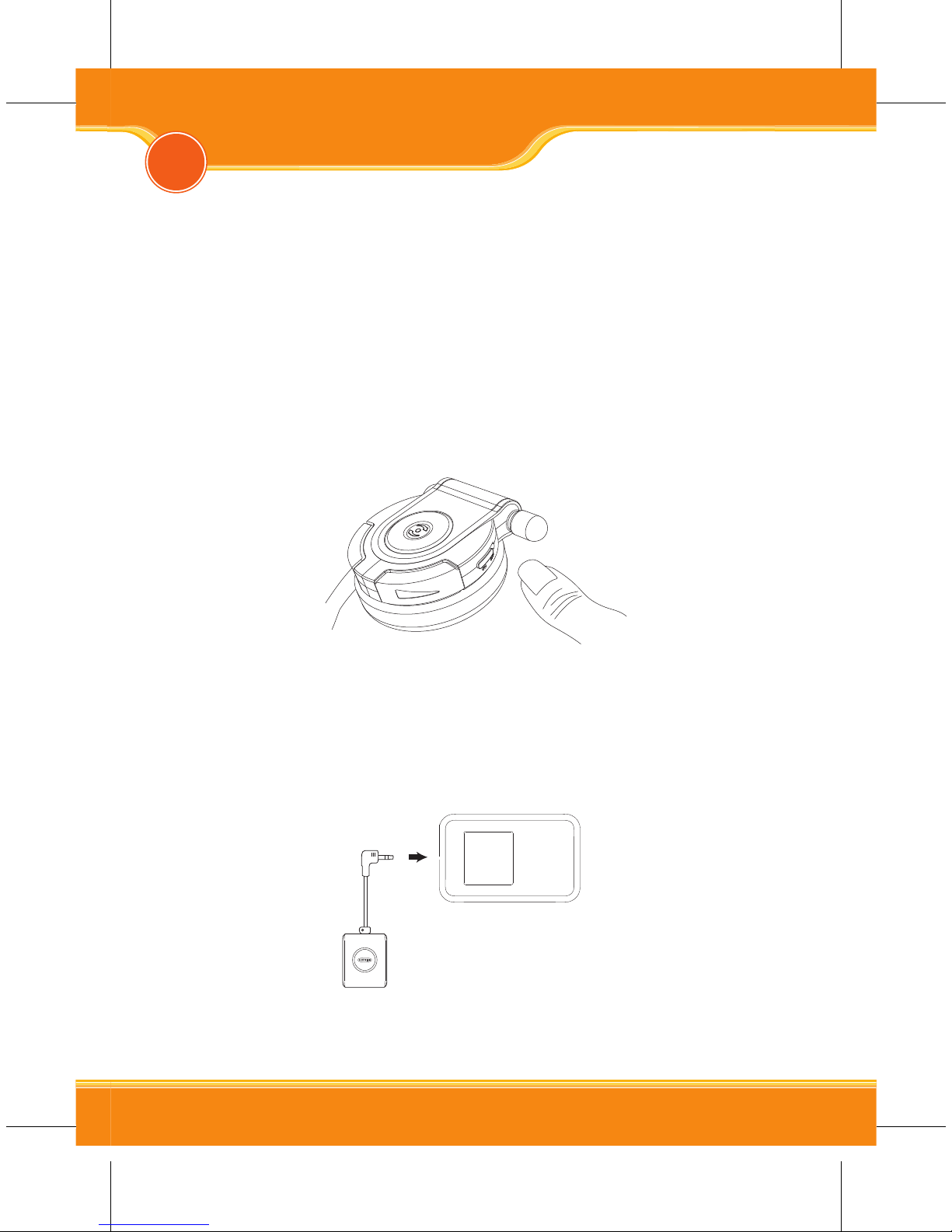
(1) Power On
Use the power switch to turn on the power.
*Note: Turn the switch to [OFF] to switch off the headset.
(2) 3.5mm audio connector
Plug the audio connector into the 3.5mm audio port of the audio
device.
*Note: To use headset with DVD, TV or Hi-Fi system etc., please use
the provided AV cable in the package.
4Start Using

BTSHS01 User Manual
8
9
(3) Pairing
a. When Power is On, press and hold the pairing track wheel on the
stereo headset until the blue and red LEDs flash alternatively.
b. When Power is Off, press and hold the control button on the stereo
adapter until the blue and red LEDs flash alternatively.
c. When both headset and stereo adapter’s Blue LEDs start to flash
three times, then the pairing is completed.
*Note:
1. If pairing is unsuccessful, the stereo adapter has to be switched off
then repeat the step a and b until the pairing is successful.
2. One headset can only be paired with one stereo adapter each time.
3. If either the headset or adapter is switch off and switch back on
again, there is no need to repairing. Please press once on the round
control button of headset or stereo adapter to back on bluetooth
connection status.
4. To turn off the stereo adapter, press and hold the round button
until RED LED is blinking.
(4) Wearing Headset
Hold both sides of the headset Hook the headset from the back
of head Gently adjust headset position
Tabla de contenidos
Otros manuales de Auriculares de Corega


