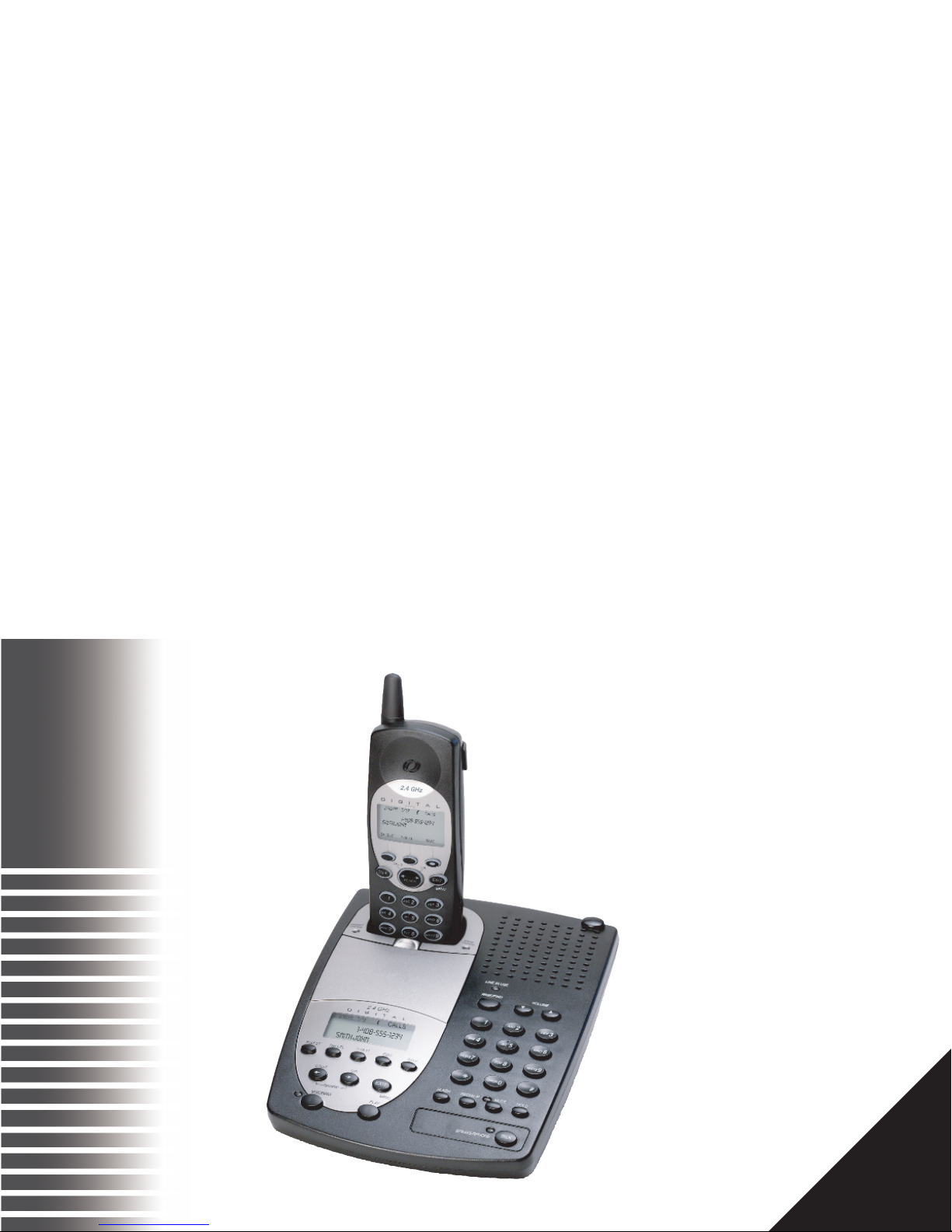
D271 - 2.4GHz Cordless
2 INSTALLING THE D271
INSTALLING THE D271
CHECK THE CONTENTS
Check to see that the following items are enclosed:
■ Telephone Base and Handset
■ Long Line Cord
■ Short Line Cord for Wall Mounting (optional)
■ Charging Cradle with Cord (optional)
■ Charger Mounting Plate (optional)
■ Base Wedge
■ AC Adapter
■ Two battery packs
■ Belt Clip
■ User Manual
■ Quick Start Card
INSTALL THE HANDSET BATTERY
Use this procedure to install or replace the battery in the
handset. Be sure to follow the battery specifications and
safety instructions. See “WARRANTY & SAFETY
INSTRUCTIONS”on page 29.
Use only 3.6V, 1.0 Ah Nickel Cadmium (Ni-Cad) battery
pack in this phone.
a. Press down on the battery cover and slide the
cover down to expose the battery
compartment.
b. Locate the battery terminals inside the battery
compartment and the corresponding
terminals on the battery pack. Align the
battery pack terminals with the terminals in
the battery compartment and press down.
c. To replace the battery cover, slide the cover
upwards until the tab engages and the cover
snaps into place.
NEED TO KNOW
Prior to first use, place the handset in the cradle
and charge the battery for at least 12 hours
before hooking up the telephone line. The
handset charge light on the base comes on to
tell you that the handset is charging.
CHOOSE ALOCATION FOR THE BASE UNIT
The base should be away from all other electronic equipment
such as a personal computer, microwave, stereo, or
television. It is also a good idea to place the unit away from
noisy areas, or from heat sources such as a radiator or
direct sunlight.