
Champtek IG300BT Manual de usuario

Champtek
IG300BT
C1/C2 Area image Barcode
Scanner
User’s Manual


Table of contents
1. Introduction............................................................ 1
1.1 Safety & caution............................................ 1
1.2 FCC warning................................................. 2
1.3 Labeling........................
錯誤
!
尚未定義書籤。
2. General Description ............................................... 3
2.1 Product Description ...................................... 3
2.2 Illustration ..................................................... 3
3. Installation.............................................................. 4
3.1 Unpacking ................................................... 4
3.2 Mounting...................................................... 4
3.3 Set up Bluetooth Communication............. 6
4. Configuring ............................................................ 9
4.1 Preface......................................................... 9
4.2 Changing Scanner Settings with
Programming Codes .................................. 9
4.3 Changing Scanner Settings with Utility
Tool............................................................ 10
4.4 Factory Default Settings .......................... 10
5. Operating Settings................................................ 11
5.1 Scanning Triggering................................. 11
5.2 Time Out.................................................... 13
5.3 Good Read Mode ...................................... 14
5.4 Buzzer Beep Tone..................................... 14
6. Imager Settings..................................................... 15
6.1 Imager Mode.............................................. 15
6.2 Firmware Version...................................... 16
6.2.1 Engine Firmware Version........................16
6.2.2Scanner Decoder Firmware Version.....16
6.2.3Cradle Decoder Firmware Version ....... 16
6.2.4Scanner Bluetooth MAC Address..........16
6.2.5Cradle Bluetooth MAC Address............16
7. Programming Codes ........................................... 17
7.1 Factory Default.......................................... 17
7.2 Bluetooth Setup for IG300BT series....... 18
7.3 Bluetooth Cradle Setup............................ 20

7.4 Decoding Selection .................................. 27
7.5 Australian Post Settings.......................... 34
7.6 Aztec Settings........................................... 34
7.7 BPO Settings............................................. 35
7.8 Canada Post Settings............................... 35
7.9 Codabar Settings...................................... 35
7.10 Codablock Settings.................................. 37
7.11 Code 11 Settings....................................... 38
7.12 Code 39 Settings....................................... 38
7.13 Code 93 / Code 93i Settings..................... 40
7.14 Code 128 / GSI-128 Settings .................... 41
7.15 DataMatrix Settings.................................. 43
7.16 Dutch Post Settings.................................. 43
7.17 EAN /UPC Parameters Settings............... 44
7.18 GS1 Composite Settings.......................... 47
7.19 GS1 DataBar Settings............................... 49
7.20 Infomail Settings....................................... 49
7.21 Interleaved 2 of 5 Parameters.................. 50
7.22 Japan Post Settings ................................. 51
7.23 Matrix 2 of 5 Settings................................ 51
7.24 MaxiCode Settings.................................... 52
7.25 MicroPDF417 Settings.............................. 53
7.26 MSI code parameters Settings ................ 53
7.27 PDF417 Settings ....................................... 54
7.28 Planet settings.......................................... 56
7.29 Plessey Code Parameters........................ 57
7.30 Postnet Settings ....................................... 57
7.31 QR Code Settings ..................................... 58
7.32 Standard 2 of 5 Settings........................... 58
7.33 Sweden Post Settings.............................. 59
7.34 Telepen Settings....................................... 59
7.35 TLC 39 Settings......................................... 60
7.36 Miscellaneous Parameters....................... 61
7.37 Preambles and Postambles..................... 61
Appendixes ............................................................... 63
A. Decimal Value Table................................. 63
B. ASCII Table................................................ 64
C. Readable Symbologies ............................ 65
D. Technical Specifications.......................... 66
E. Scan Map................................................... 70
F. Test Symbologies..................................... 71


1
1. Introduction
Thank you for purchasing this brand-new designed 2D
imager hand held barcode scanner.
This is a cutting-edge gun-type Area Imaging barcode
scanner which is designed specifically for government
administration, custom control, shipping industry and
etc. That adds on more user friendly functions and has
replaceable cable that makes it more easily to be
operated by the customers.
This high performance gun-type scanner provides the
customer with the most cost effective solution in the
market. It is perfectly suitable and definitely the best
choice for you.
1.1 Safety & caution
1) Please read the following safety statement carefully.
2) Please preserve this user manual for reference
sometime.
3) Before cleaning the device, the users must cut off
all AC power. Do not use liquid or spray type of
detersive to clean the device. Please use dampish
cotton cloth to clean the device.
4) The outlet must set nearby the device for
connecting power easily.
5) Keep the device dry to avoid short circuit.
6) During installation you must fix the equipment at
solid table to avoid damage caused by falling.
7) Before inserting power please ensure the voltage is
healthy to the equipment.
8) For safety please tie wire well and don’t put
anything on the wire.
9) If you don’t use this equipment for long time,
please cut off the power to avoid damage from
surge power.
10)Don’t spray any liquid on this scanner because it
may cause a fire or short circuit.
11)Please do not open the equipment. For safety only
the qualified serviceman can open the equipment.
12) If there are the following situations please contact
with the qualified serviceman to check this
equipment.

2
13) The damage of wire or pin of power supply.
14) Some Liquid infiltrate into the equipment.
15) The equipment has been exposed to wet
environment.
16) The equipment can’t work well.
17) The equipment has any obvious damage, making
the device working abnormally.
18) Don’t storage the device at the temperature lower
than -20°C (-4°F) or higher than +70°C (158°F) to
avoid any damage.
1.2 FCC warning
This equipment complies with the requirements in
Part 15 of FCC.
Any operation must comply with the conditions
below:
1) The equipment will not cause any severe
interference.
2) The equipment can avoid any interference from
environment.
Statement:
This product is classified as B class product.
In environment this product may cause some
interference. In this situation the user may do
something to avoid interference.

3
2. General Description
2.1 Product Description
IG300BT is a high performance wireless 2D imager
barcode scanner supporting liner, area imager barcode
scanning.
This device is very easy to configure by this manual,
you can set up by scanning all necessary programming
codes one time that meet applications, the settings are
directly saved permanently, and all settings can be
disabled after scan reset factory default.
2.2 Illustration
IG-300BT Series

4
3. Installation
3.1 Unpacking
1) Take device and its accessories out of the box.
2) Remove the packing material.
3) Check the standard shipment packing list to make
sure you have received all of the items ordered.
zWireless 2D Imager Scanner
zBluetooth Cradle or Charger (optional)
zPower Adaptor (if applied)
zCommunication Cable
zSkip resistant pad
zIron panel of cradle and screw
zUser Manual
4) Visually inspect the device and accessories for any
evidence of physical damage.
5) If anything is missing or appears to be damaged,
immediately contact your dealer.
ATTENTION:
Store the packing material and boxes: It should
be used whenever the device is transported for
servicing.
3.2 Mounting
Once you have unpacked all components, you can
start installing the device as below steps:
IG300BT Scanner
1) The Scanner must be charged for a minimum of
8 hours before the scanner can be placed in full
operation for the first time.
2) The cradle will indicate in red light when the
scanner is being charged.
3) Once the battery is full, green LED of scanner
will be ON. And green light will be OFF when
the scanner leaving from cradle. The battery
will over charged when battery full charged
again, red and green LED will flashing.
4) If the battery power capacity is too low, the

5
scanner will indicate with red LED and beeper
warning.
IG300BT Cradle
1) Connect the supplied communication cable at
the bottom side of the scanner and you will hear
a “click” when the connection is made.
2) Turn off the host system.
3) Connect the other side of the communication
cable to the right connector of your Host system.
4) Plug the external power supply into the power
jack on the bottom of the cradle.
5) Plug the power supply into the AC outlet.
6) Turn on your Host system.
7) To set up Bluetooth Communication between the
scanner and cradle. (see chapter 3.3)
Otros manuales para IG300BT
1
Tabla de contenidos
Otros manuales de Lector de código de barras de Champtek

Champtek
Champtek MB200 Series Manual de usuario

Champtek
Champtek IG300BT Manual de usuario

Champtek
Champtek VM200 Manual de usuario

Champtek
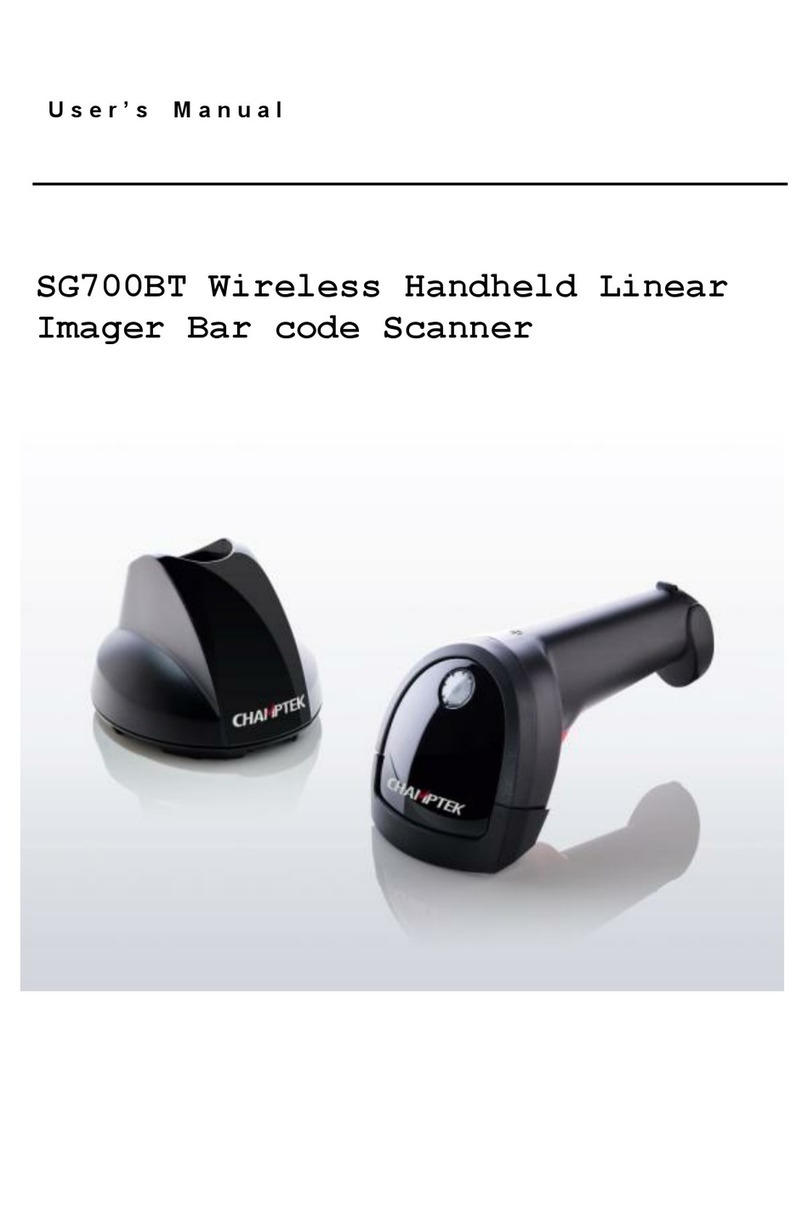
Champtek SG700BT Manual de usuario

Champtek
Champtek IG500 Manual de usuario

Champtek
Champtek IG-300 Manual de usuario
Champtek
Champtek SG700BT Instrucciones de funcionamiento

Champtek
Champtek SLIM S-9080i Manual de usuario

Champtek
Champtek SCANTECH ID VM200 Manual de usuario


