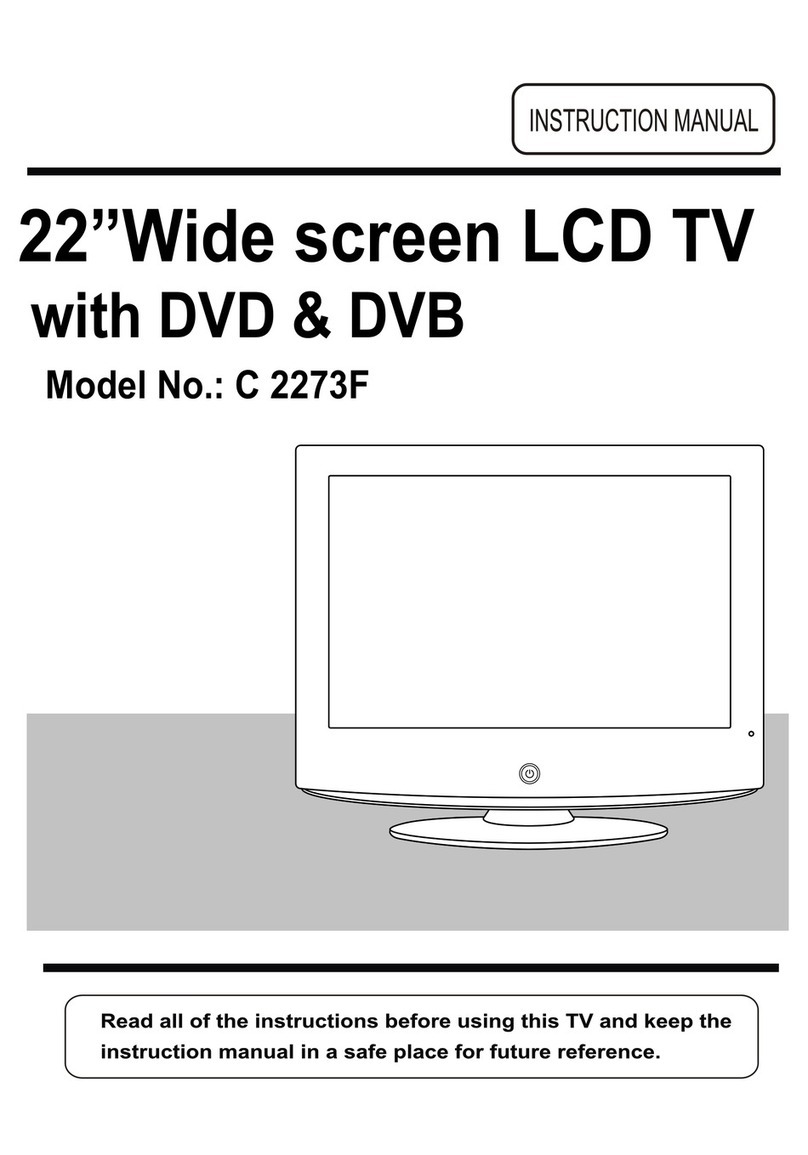
Cello TP1906D Manual de usuario

19”Wide screen LCD TV
with DVD
Model No.: TP1906D

LCD Screen
Although the LCD screen is made with high-precision technology and
99.99% or more of the pixels are effective, black dots may appear or
bright points of light (red, blue or green) may appear constantly on the
LCD screen. This is not a malfunction.

Unit and Accessories
Getting Started
Front View
Rear View
Remote Control Key Functions
Menu Operation
Basic TV operation
PICTURE menu options
SOUND menu options
TIMER menu options
FUNCTION menu options
SETUP menu options
DVD operation
3
4
4
5-6
7-8
9
9-10
11
12
12
13
14-15
16
DVD System Operation17-19
Disc care20
SimpleTroubleshooting
Techincal Specifications
21
22
1
2
Caution
Safety Information

caution
Caution
The lightening flash with arrowhead symbol, within an equilateral triangle is
intended to alert the user to the presence of un-insulated "dangerous voltage"
within the products enclosure that may be of sufficient magnitude to constitute a
risk of electric shock to the persons.
The exclamation point within an equilateral triangle is intend to alert the user to
the presence of important operating and maintenance (servicing) instructions in
the literature accompanying the appliance.
Correct disposal of this Product
This unit is a “CLASS 1” laser product. This product uses a visible laser
beam which could cause hazardous radiation exposure. Ensure the
recorder is operated as instructed. Do not remove any covers or look into
the DVD drawer opening whilst power is applied. Do NOT modify or adjust
any controls that may affect laser emissions. Should the appliance become
faulty consult a qualified technician.
This appliance complies with European Safety and Electrical
directives
“Correct Disposal of Product”
Produced after 13 August 2005. Waste electrical should not be disposed of with household
waste. Please recycle where facilities exist. Check with your local authority or retailer for
recycling advice.

Safety Information
Safety Information
To ensure reliable and safe operation of this equipment, please read carefully all the
instructions in this user guide, especially the safety information below.
Electrical safety
xThe TV set should only be connected to a mains supply which matches that stated on
the label on the mains adaptor
xTo prevent overload, don't share the same mains supply socket with too many other
items of equipment.
- Do not place any connecting wires where they may be stepped on or tripped over.
- Do not place heavy items, which may damage the leads, on them.
- Hold the Mains plug, not the wires, when removing from a socket.
- During a thunderstorm or while leaving the TV for long periods, disconnect the
aerial (if outdoor) and mains adaptor from the supply.
- Do not allow water or moisture to enter the TV or mains adaptor. Do NOT use in
wet or moist areas such as Bathrooms, steamy kitchens or near swimming pools.
xPull the plug out immediately, and seek professional help if:
- the mains plug or cable is damaged
- liquid is spilt onto the set, or if it is accidentally exposed to water or moisture
- anything accidentally penetrates the ventilation slots
- the set doesn't work normally.
- Do NOT remove the safety covers. There are no user serviceable parts inside. You
may invalidate the warranty. Qualified personnel must only service this apparatus.
- To avoid battery leakage, remove exhausted batteries from the remote control
handset, or when not using for a long period.
- Do NOT break open or throw exhausted batteries on a fire.
Physical safety
xDo NOT block ventilation slots in the back cover. You may place the TV in a cabinet,
but ensure at least 5cm (2") clearance all around.
xDo NOT tap or shake the TV screen, you may damage the internal circuits. Take good
care of the remote control, do not drop.
xTo clean the TV use a soft dry cloth. Do NOT use solvents or petrol based fluids. For
stubborn stains, you may use a damp soft cloth with dilute detergent.

Unit and Accessories
Power cable
Unit and Accessories
Warranty Card
Warranty Card Quick Start Guide
Quick Start Guide
User’s Manual
User’s Manual

Getting Started
Getting Started
CH
VOL
Power
MENU
TV/AV
(IR) Infrared Receiver: Receives IR signals from the remote control.
(Power on/Standby) LED Indicator: Press POWER to turn on and off,
Press to display the input source menu(see page 10).
Buttons for DVD operation
Please insert a 12cm disc
according to the silk
POWER
NEXT: Play the next track or chapter
PREV: Play the previous track or chapter
EJECT: Eject the disc
PLAY: Play the disc playing
PAUSE: Pause the disc playing
STOP: Stop the disc playing
LED Indicator
Indicator on(Red) Standby mode
Indicator on(Green) Power on mode

5
Getting Started
COAX
out
TV Signal
Output to
Audio amplifier
DVD
TOGGLE SWITCH:
Turn on the AC power.

6
Getting Started
REAR CONNECTIONS
THE TELEVISION MANUFACTURER RECOMMENDS THE USE OF AN
OUTDOOR AERIAL SUITABLE FOR RECEPTION OF DIGITAL BROADCASTS
Name Function Description
AC POWER IN
HDMI
VGA IN VGA signal from computer output
Connect to the composite terminal of your DVD/VCR
COAX out
S-Video IN
Video IN
(AUDIO)L/R IN
PC Audio IN
Headphone
RF
Connect to power supply
SCART
Connect to the HDMI of your DVD or other equipment
Audio signal input for AV
S-Video signal input
Video signal input
PC audio input
Connect it to your headphone or other audio equipment
Connect to antenna or cable source
Output to Audio amplifier
10
10
75mm

7
Remote Control Key Functions
POWER OFF
Switch off the power supply.
STANDBY
Turn the TV on/standby.
Colour buttons: short cuts-follow the coloured links in
the text.
Blue Button: Nicam.
TEXT: Turn off/on the Teletext display.
SUBPAGE: Selects subpage, press again to cancel.
HOLD: Hold or carry on the current subpage.
REVEAL: Reveals any hidden text.
MENU: System setup menu.
QUICK START: To tune in your TV.
FAV: Means favorite, to display the favorite channel list
defined by you.
EXIT: Exit the OSD menu.
MUTE: Mutes the Audio.
DISPLAY: Display brief information concerning the
current channel you are viewing.
Cursor left/right/up/down: Cursor buttons used in
menus.
OK: CONFIRM BUTTON for menu.
VOL+/-: Adjust the volume.
PROG+/-: Scan through channels.
FUNCTION
Press to display the input source menu
.(see page 10)
POWER
OFF FUNCTION STANDBY
PROGVOL
TEXT
HOLD
MENU EXIT
QUICK START MUTE
SUBPAGE
REVEAL
PICTURE SOUND TIMER ASPECT
DISPLAY
FAV
OK
+ +
123
456
789
0-/--
SETUP ZOOM SUBTITLES
Tabla de contenidos
Otros manuales de Combo de TV y DVD de Cello