10
Useful functions
Conguring the [CTL] (control) pedal
functions
In memory mode on the ME-90, you can use the [CTL] pedal to turn
multiple eects on/o at once, or instantly switch the value of a
specied eect setting knob (one knob only) to a specic value. You
can store the [CTL] pedal settings for each patch.
Setting the pedal function
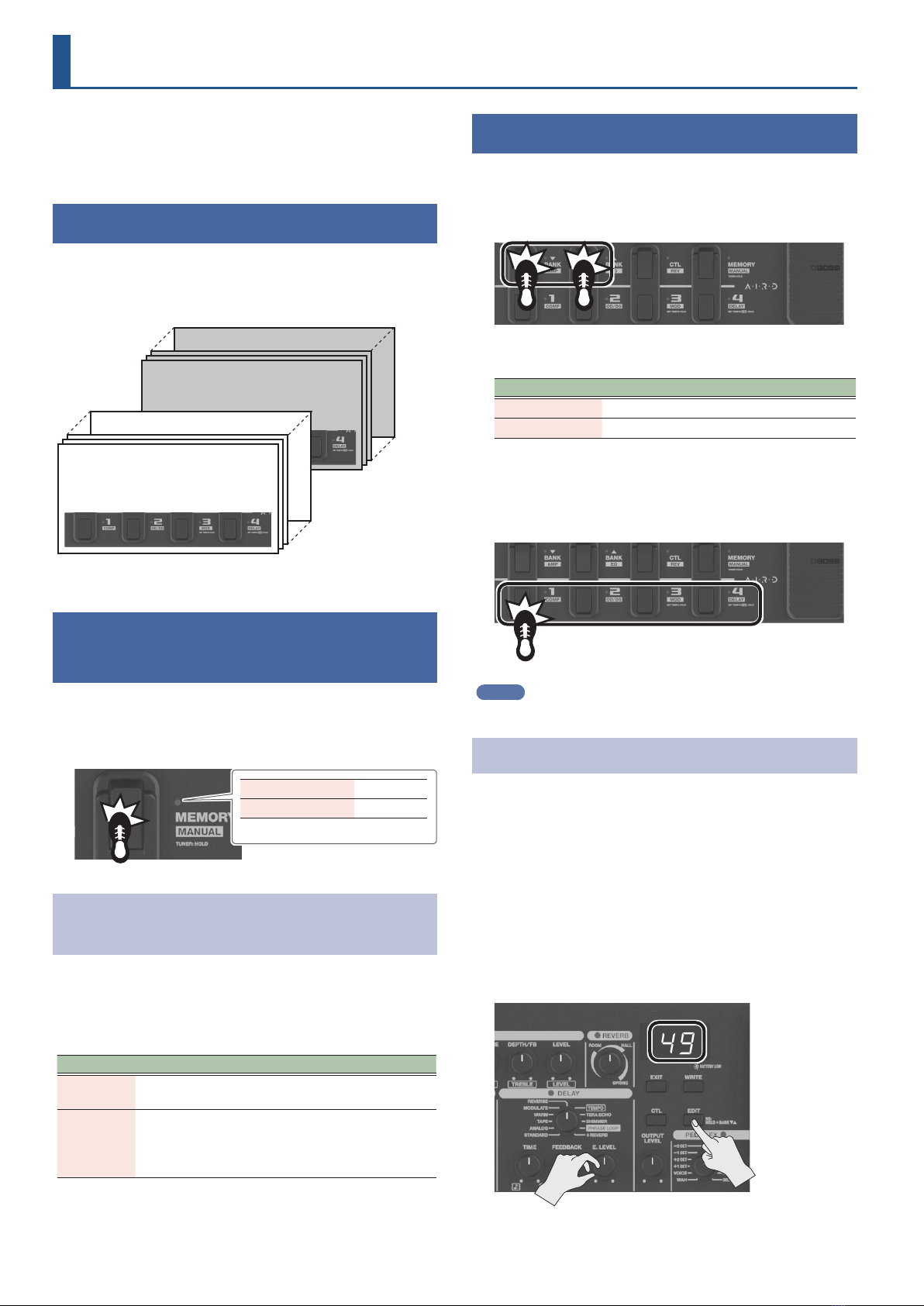
1. Press the [MEMORY/MANUAL] pedal to switch to
memory mode (p. 6).
2. Press the [CTL] button to switch to
CTL setting mode.
For turning the eects on/o
3. Press the pedal corresponding to the eect you
want to toggle on/o to select it.
To cancel the selection, press the pedal again.
The pedal indicator for the eect you want to toggle on/o blinks.
MEMO
You can select REV to toggle the SEND/RETURN on/o, instead of
using it for reverb. For details, refer to“Conguring the device overall
(system settings)”(p. 16).
For setting the value of a certain knob
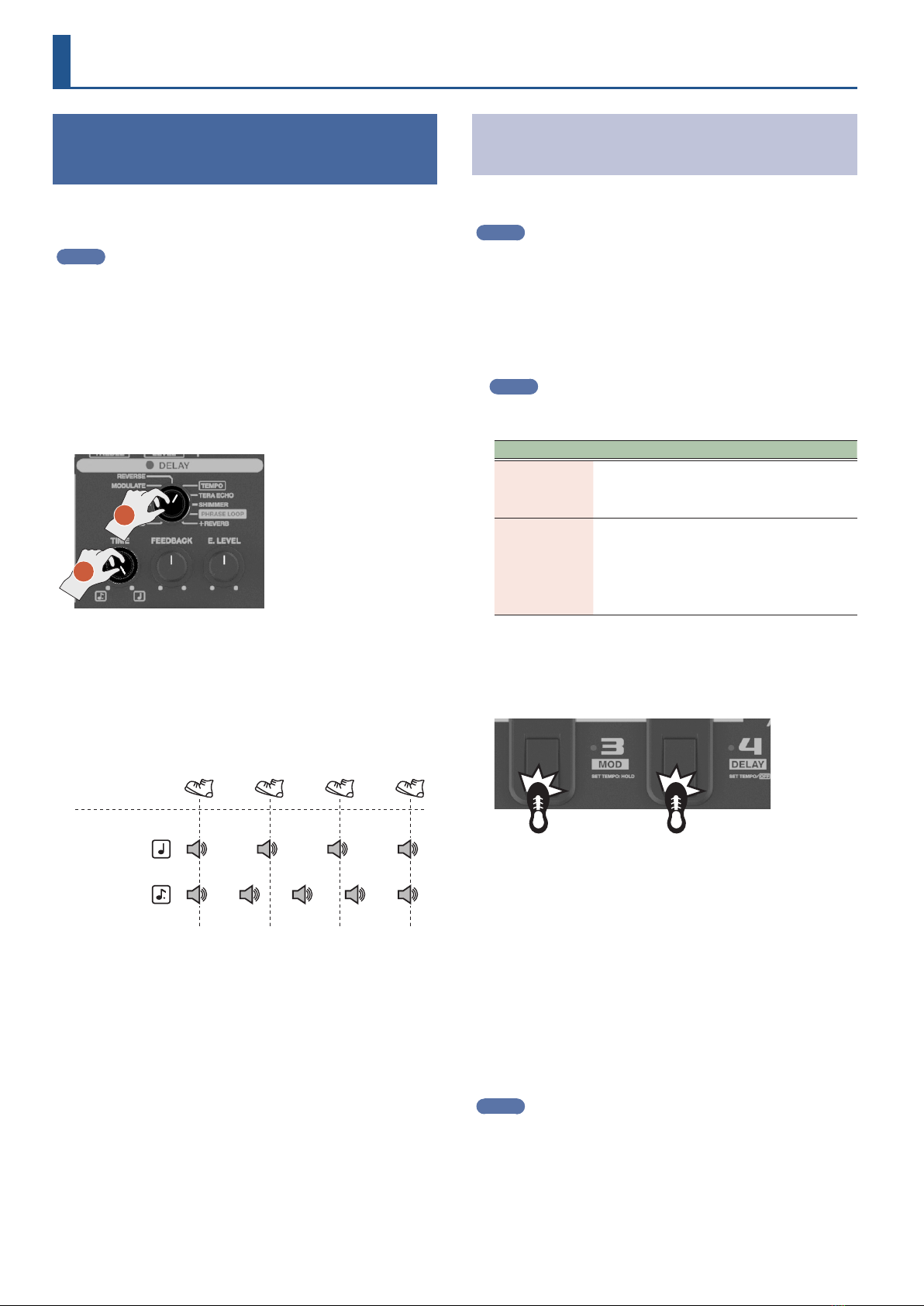
3. Adjust the knob whose value you wish to change to
the value you like.
To cancel the setting, set the [CTL] pedal to turn the eects on/o.
* You can’t set the type knob values for the respective eects.
MEMO
You can press the [MEMORY/MANUAL] pedal to check the eects that
you set before you write the patch.
To disable the [CTL] pedal function, turn all settings o.
4. Follow the steps in“Saving a sound (patch write)”
(p. 7) to save the settings.
Conguring the pedal operations
You can select whether the eects you set in step 3 are toggled each
time you press the pedal (TOGGLE), or whether the eects are only
applied while the pedal is being pressed (MOMENTARY).
1. From memory mode, press the [CTL] button two
times.
This switches to the TOGGLE/MOMENTARY setting mode.
2. Use the [BANK É] [BANK Ç] pedals to select a
setting.
Display Setting Explanation
to TOGGLE
The eect switches each time you
press the pedal (this is the default
setting for eect on/o).
mo MOMENTARY
The eect you set is applied only
while you are pressing the pedal (this
is the default setting when the pedal
is set to change the knob values).
3. Press the [CTL] button again.
4. Follow the steps in“Saving a sound (patch write)”
(p. 7) to save the settings.
MEMO
The indicator lit/unlit state for the [CTL] pedal is linked with the
indicator of the eect that has the highest priority (according to the
internal order of priority) within the eects that are toggled on/o.
The order of priority is as follows.
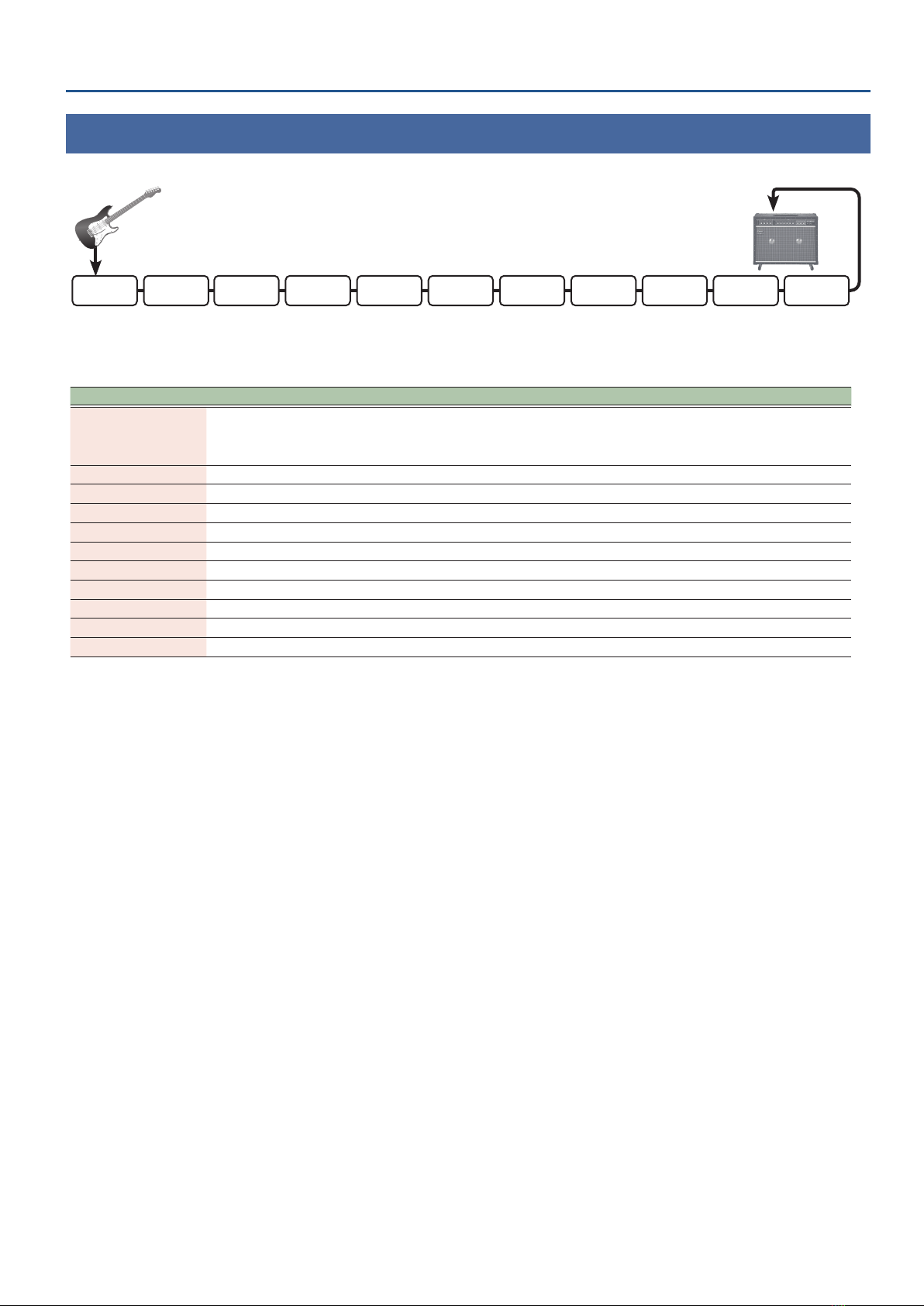
COMP/FX1>OD/DS>MOD>DELAY>PREAMP>EQ/FX2>REVERB>PEDAL
FX>SEND/RETURN
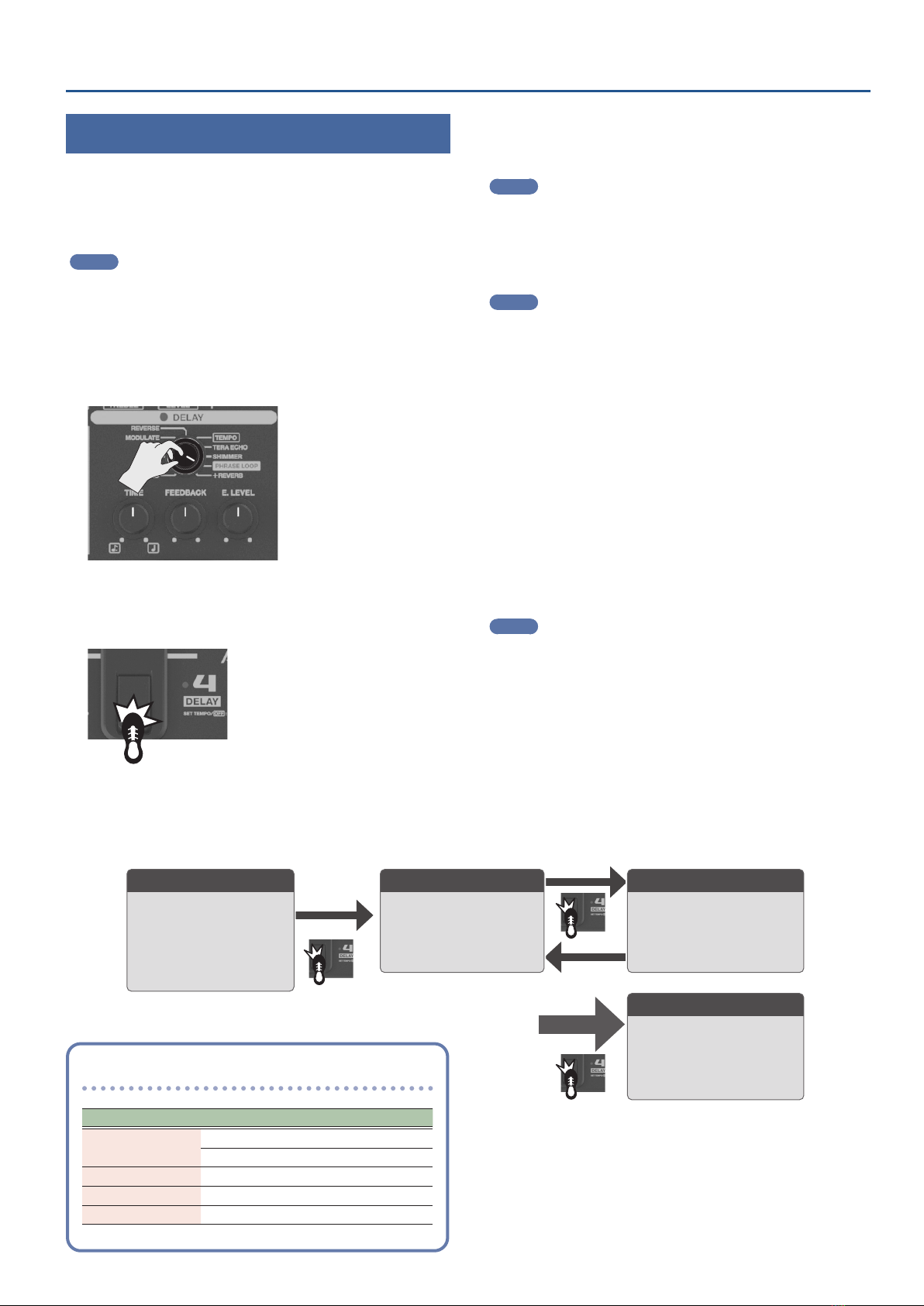
CTL setting mode indications
• If eects are congured to toggle on/o, “Ct”is shown in the
display when the unit enters CTL setting mode, and the pedal
indicators corresponding to the eects set for on/o blink.
Eect pedals set to toggle
on/o blink
Display
• When a particular knob value is set, the corresponding eect
indicator blinks. Also,“Ct” and the number of the knob for which
the value is set are alternately shown in the display.
Indicators for eects blink for
which a knob value is set
1- 1- 1- 1-
1- 1-
2- 2- 2- 2-
2- 2-
3- 3- 3- 3-
3- 3-
4- 4-
5-
Display (shown alternately)
Knob number