
Bosch 8750000003 Manual de usuario

SMART HOME
RTS
Door/Window Contact
Instruction Manual
Bosch Smart Home
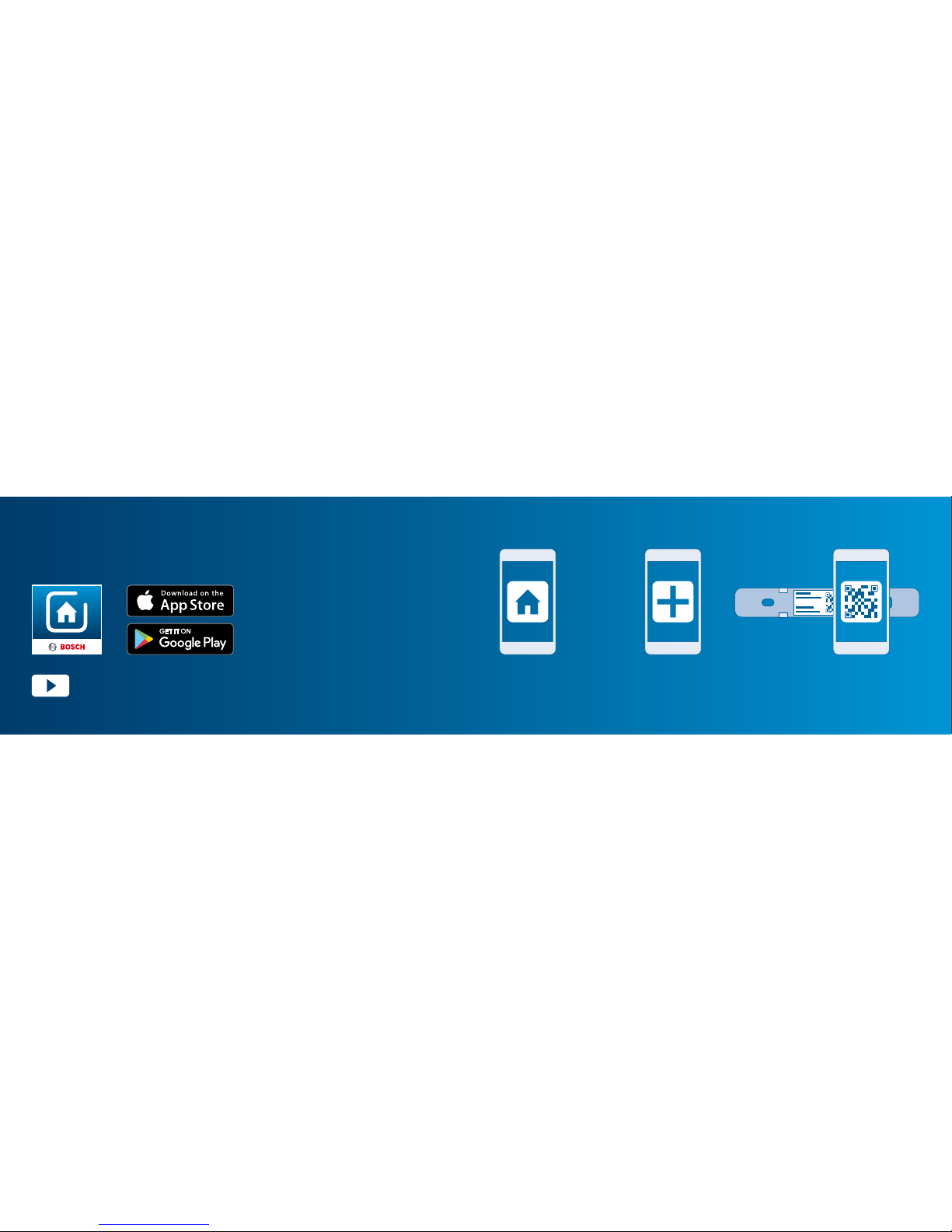
Start making your home smart! Set up your product in just three steps
Please ensure that you have a Bosch
Smart Home Controller as well as the
Bosch Smart Home App, and that you
have set both of them up successfully.
▶ Start the Bosch
Smart Home App
▶ Select “Add device” ▶ Scan the QR code
and follow
the instructions
Please be sure to install the Bosch
Smart Home Controller first.
You can also use the explanatory video on our website to help you
install your Bosch Smart Home Door/Window Contact more easily:
www.bosch-smarthome.com/installation

5
Congratulations on purchasing your Bosch Smart Home Door/Window Contact. It
will help you to make your home even safer and smarter. You will be able to use the
Bosch Smart Home App to quickly and easily identify open windows or doors even
when you are away from home. It will also cause radiators to be turned down auto-
matically when a window is opened or trigger an alarm if a door or window is opened
when you are not at home.
We hope you enjoy your new product,
The Bosch Smart Home Team
Dear customer,

6 7
1.0 Product description.................. 08
1.1 Intended use.............................. 09
2.0 In the box .................................10
3.0 Warning notices .......................12
3.1 Explanation of symbols .............. 12
3.2 Safety instructions ..................... 13
4.0 The door window contact........14
4.1 Product overview ....................... 14
5.0 Installation and setup............... 16
5.1 Installation................................. 18
5.2 Inserting the batteries................ 20
5.3 Configuring the device ............... 22
6.0 Fixing ........................................24
6.1 Mounting location ...................... 24
6.2 Mounting instruction.................. 26
6.3 Fixing with adhesive tape ........... 28
6.4 Fixing with screws...................... 34
7.0 Maintenance and care .............. 40
8.0 Product details .........................42
8.1 Technical data............................ 42
8.2 Declaration of conformity........... 44
8.3 Faults in radio operation............. 45
8.4 Open-source software ............... 46
8.5 Environmental protection
and disposal .............................. 49
9.0 Further information ..................50
TABLE OF CONTENTS

8 9
Your Door/Window Contact detects
open windows and doors inconspic-
uously by means of an app. It causes
radiators to be turned down auto-
matically if a window is opened, and
it triggers an alarm if windows and
doors are opened without permission.
The Door/Window contact is kept up
to date once connected to the Bosch
Smart Home System.
1.0 PRODUCT DESCRIPTION
The product may only be used together
with original Bosch Smart Home
components, and is for indoor use only.
▶ Follow the safety instructions and the
directions in this manual and the Bosch
Smart Home App to ensure that the
product is set up correctly
▶ Please note the details in the
Technical Data section
(see p. 40)
▶ Avoid installing in areas prone
to high amounts of dust, direct
sunshine or heat
1.1 Intended use
Do not modify the product in any way. Any other use is considered
unintended use. We will not assume liability for any resulting damage.

10 11
2.0 IN THE BOX
To operate the Door/Window Contact
you will require the app, a Controller
and an internet connection.Door/Window Magnet unit Spacker 2 adhesive strips 2 AAA batteries4 screws

12 13
3.0 WARNING NOTICES
3.1 Explanation of symbols
3.2 Safety instructions
Info.
Indicates important information.
Warning.
This alerts you to danger.
Proper handling of batteries
▶ Take the batteries out of the device if it is not used for a prolonged
period of time.
▶ The enclosed batteries are not suitable for charging.

14 15
4.0 THE DOOR WINDOW CONTACT
4.1 Product overview Item Part Explanation
1LED
Indicator for status and errors
Red Fault
Orange Process or update is being performed
Green Status display “on”; Process or update
has been completed successfully
2Battery com-
partment –
3System button For resetting the device
4QR code Inside the bottom section
5Magnet unit For triggering the Door/Window Contact
3 2
4
1
Top section
Top section
(inside view)
Bottom section
(inside view)
5

16 17
5.0 INSTALLATION AND SETUP
Before you start
Please ensure that you have a Bosch Smart Home Controller and
the Bosch Smart Home App, and that you have set both of them up
successfully.
For assistance with installing your Bosch Smart Home Door/Window
Contact, you may also refer to the explanatory video on our website:
www.bosch-smarthome.com/installation

18 19
5.1 Installation
Start the Bosch Smart Home App and select “Add device”.
The app will prompt you to scan the
QR code on the product. Open the
device by sliding the top and bottom
sections against each other.
You will find the QR code on the inside
of the bottom section of the Door/Win-
dow Contact.
From this point, the app guides you through
the installation process. You will find a detailed
description in this instruction manual.
Este manual sirve para los siguientes modelos
1
Tabla de contenidos


