Bicker UPS-1000-B1 Manual de usuario

User Manual UPS-1000-B1
Bicker Elektronik GmbH
Ludwig-Auer-Straße 23 |86609 Donauwörth · Germany
Line-Interactive UPS
English

UPS-1000-B1
Revision 1 2
Date Change
21.12.2021
Revision 0-1
Initial version
27.01. 202 2
Revision 1
Release version
Revision Directory
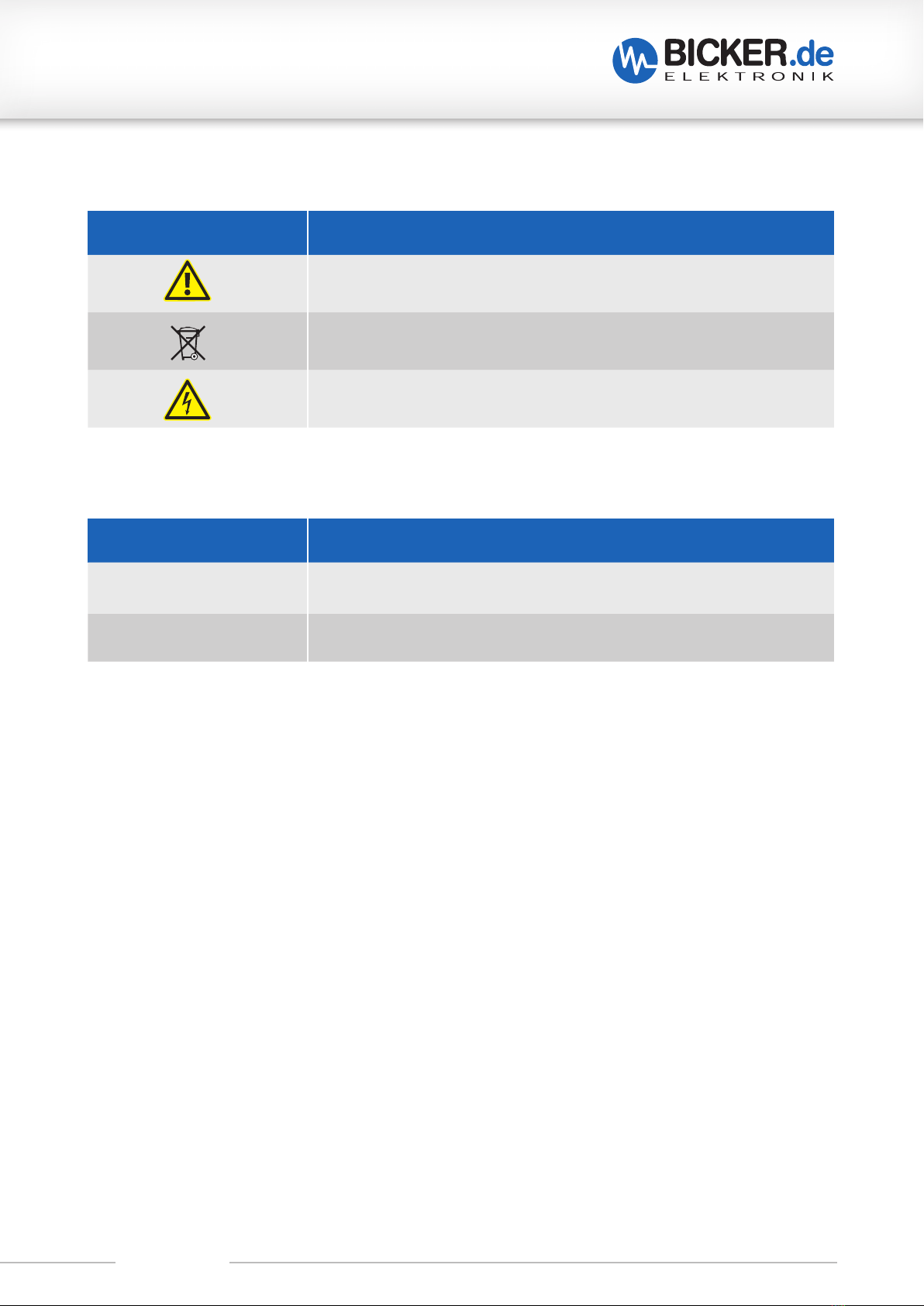
Legend of used symbols
Symbol Description
Attention! Important hazard warning.
Do not dispose of in the domestic waste.
Warning of electrical voltage.

UPS-1000-B1
Revision 1 3

UPS-1000-B1
Revision 1 4
A Technical Data
UPS-1000-B1
600 W / 1000 VA
Line Interactive Design mit Sinus-
Ausgangsspannung
AVR function (Buck / Boost)
Microprocessor-based controlling
Battery backup time monitoring
Operating temperature up to +60 °C
Reboot function
Load sensor
RS232 and USB interface for communication
with software UPSilon 2000
Hawker/Cyclon batteries
INPUT DATA
Input voltage 230 V AC
Input frequency 47 Hz ~ 65 Hz, 50/60 Hz, auto detection
Efficiency App. 97 %, mains operation
Overcurrent protection AC fuse 6.3 AT
Input voltage range -20 % ~ +24 %
AVR range (2 Bucks, 2 Boosts) Extended Buck: +15 % of selected nominal voltage
Buck mode: +8 % of selected nominal voltage
Boost mode: -8 % of selected nominal voltage
Extended Boost: -12.5 % of selected nominal voltage
Overvoltage protection 220 Joules

UPS-1000-B1
Revision 1 5
OUTPUT DATA
Output power at nominal inputs 600 W / 1000 VA max. at +40 °C
Derating +40…+60 °C, 10 W / K
Output voltage 230 V AC
Voltage wave form Sine
Crest factor 3:1
Output frequency (synchronised to mains) Auto select for 50/60 Hz
47 Hz ~ 55 Hz for 50 Hz nominal;
56 Hz ~ 65 Hz for 60 Hz nominal
Transfer time Blackout 3 ms typical, Brownout 1 ms,
battery mode to normal mode: 1 ms typical
Overload protection Overload alarm level 100 % ~ 120 %,
Overload shutdown level 120 % ~ 190 %
BATTERY
Type of battery 1x BP-2480 (Cyclon), 24 V/ 8 Ah, 12 cells
Voltage 24 V DC
Typical backup time at half power 500 VA / 300 W: ca. 14 Min. bei +20 °C
Typical backup time at full power 1000 VA / 600 W: ca. 4.5 Min. bei +20 °C
Charging method Smart puls charging with 2 charging modes:
Quick charging,
Trickle charging, at 90 % battery capacity
Charging time App. 5 hours for 90 %, at 230 V AC and +25 °C
Charge current 2.5 A max.
Average charging voltage Quick charging mode: 28.1 V max.
Trickle charging mode: 26.2 V…28.1 V
Protection Thermal protection, overcurrent protection and
overcharging voltage protection

UPS-1000-B1
Revision 1 6
COMMUNICATION & MANAGEMENT
Interface RS232, USB: UPSilon2000 compatible
Display LCD
Acoustic alarm Alarm in UPS operation:
Battery low
Alarm because of abnormal operation:
Overload, short circuit oder over heat
EBT system
(Estimation of Backup Time)
Display via LCD-Display
Fan control Normal mode: Fan turns slowly
USB mode: Fan turns quickly
ENVIRONMENT & SAFETY
Operating temperature 0…+60 °C, derating from +40 °C (10 W/K)
Temperature transport/storage -15…+60 °C
Humidity 5…95 %, non-condensing
Acoustic noise ≤40 dBA (at 1 m distance from chassis surface)
Safety EN62040-1
EMC EN62040-2
DIMENSION AND WEIGHT
Dimensions W / H / D 18 x 22 x 46 cm
Dimensions W / H / D shipping unit 30 x 33 x 55 cm
Weight 15 kg
Packing One carton for each unit, 16–30 units per pallet

UPS-1000-B1
Revision 1 7
A Technical Data .................................................................................................... 4
B Introduction and description ............................................................................ 8
B1 Description of the product and its functions........................................................................................8
B2 Intended use .............................................................................................................................................................9
C Safety instructions ........................................................................................... 10
D Drawing............................................................................................................. 12
E Name / Address / Support E-Mail / Phone number of the manufacturer .... 12
F General Data ..................................................................................................... 13
F1 Assembly and installation advice............................................................................................................... 13
F2 Convection and installation position....................................................................................................... 13
F3 Description of connectors.............................................................................................................................. 14
F4 Connecting diagram .......................................................................................................................................... 15
G Operating .......................................................................................................... 16
G1 UPS on......................................................................................................................................................................... 16
G2 UPS off......................................................................................................................................................................... 16
G3 Cold start.................................................................................................................................................................... 16
G4 „oFF“ mode............................................................................................................................................................... 16
G5 SELF test button (1)............................................................................................................................................. 16
G6 ALARM RESET.......................................................................................................................................................... 17
G7 ALARM battery low.............................................................................................................................................. 17
G8 Battery charging.................................................................................................................................................... 17
G9 Settings....................................................................................................................................................................... 17
G10 LCD display............................................................................................................................................................... 17
G11 Change output frequency only for cold start (without mains)!.............................................. 17
G12 Change output voltage (in UPS mode).................................................................................................. 18
G13 Auto start of the UPS as soon as mains is present.......................................................................... 18
G14 Load sensor/green mode................................................................................................................................ 19
G15 LCD display and operating elements...................................................................................................... 20
G16 UPS back .................................................................................................................................................................... 21
H Optical and acoustic indicators....................................................................... 22
H1 Display in normal mode................................................................................................................................... 24
H2 Display in battery mode................................................................................................................................... 26
H3 Acoustic alarm........................................................................................................................................................ 27
H4 SELF TEST................................................................................................................................................................... 27
H5 Timer function........................................................................................................................................................ 27
H6 Reset the UPS.......................................................................................................................................................... 27
I Troubleshooting............................................................................................... 28
J Maintenance ..................................................................................................... 29
J1 Change of battery................................................................................................................................................ 30
J2 Disposal ...................................................................................................................................................................... 31
J3 Disclaimer.................................................................................................................................................................. 31

UPS-1000-B1
Revision 1 8
B Introduction and description
Read carefully before initial operation !
This manual shall help the user to get familiar with the product and its components and features. It shall
provide information as accurately and completely as possible.
The manual as well as all documents has to be read and followed strictly before installation. Otherwise in
certain situations warranty and guarantee can be cancelled partly or completely. Any liability on the part of
Bicker Elektronik is excluded for possible existing errors as well as non-compliance with the instructions for
use and installation.
B1 Description of the product and its functions
The UPS-1000-B1 is a uninterruptible Power Supply (UPS) with Line Interactive Design. In contrast to a con-
ventional off-line UPS, it has a sine voltage output. The UPS can be operated with a BP-2480 battery pack up
to +60 °C operating temperature.
The primary use of the UPS is to supply the connected application during power failures and /or voltage fluc-
tuations. The application which should be protected is connected to the output of the UPS.
In the event of a voltage drop or a voltage fluctuation of the input voltage (below undervoltage limit), the UPS
is switched to battery mode (also backup mode). In this state, the application at the UPS output is supplied via
the inside energy storage device. The backup time (also buffer time) depends on the available energy of the
installed battery pack, the level of the connected load current and the software settings of the UPS.
In the event of a power failure and the set backup time in UPSilon2000 has expired, the operating system of
the PC is shut down and the UPS is switched off.
In the event of a power failure and the return of the input voltage during the shutdown of the operating
system, the operating system is shut down by the UPS management software UPSilon2000. The UPS then
switches off the output for a short time. After a few seconds, this reboot function automatically switches back
to mains operation. The downstream PC can then automatically start here (BIOS setting PC). In addition, the
energy storages are recharged.

UPS-1000-B1
Revision 1 9
B2 Intended use
• The UPS is designed for the 230 V mains.
• The UPS-1000-B1 may only be installed in an upright position.
• Never install the UPS near liquids or in an excessively humid environment.
• Do not expose the UPS to direct sunlight or a heat source.
• After the initial installation to the AC mains, the battery starts to charge.
• It takes about 8 hours to fully charge.
• To minimize battery damage, the UPS has to be charged before storage and recharged every 6 months.
• The UPS must not be used as an inverter for any purpose other than that for which it was intended.
• The UPS is not designed for medical or life support systems.
• No laser printer or tube monitor may be connected to the UPS.
• It must be ensured that no foreign matter enters the UPS and that the fan outlet is always free.
• It must be ensured that the UPS-1000-B1 may only be loaded with maximum load. This value can be found
in the technical data in chapter A.

UPS-1000-B1
Revision 1 10
C Safety instructions
WARNING!
Disregarding of following issues can result in electric shock, fire, serious injury or death.
1. Care must be taken to ensure proper and professional wiring.
2. The device must not be exposed to fire and temperatures outside the specification.
3. The UPS is designed for the 230 V mains.
4. The device must not be operated in a damp environment or in an environment in which condensation
or condensation is to be expected.
5. The device must not be opened, short-circuited, reversed, overheated or otherwise modified.
6. Modifications or attempts to repair the device are to be omitted.
7. Effects of foreign objects on the device must be avoided (e.g. metal parts).
8. Do not put obviously damaged devices into operation (e.g. dents, burn marks, rough contamination).
9. Ventilation openings have to be kept free.
10. Device must not be dropped.
11. All parts of the device and accessories must not be eaten or swallowed.
12. The UPS may only be installed in an upright position.
13.
The UPS is supplied with voltage from both the 230 V power grid and the internal energy storage
device (battery). The latter is still live even after disconnecting the input source.
14. The UPS may only be loaded with 600 W / 1000 A max. according to the data sheet.
Note derating (page 13)!
Tabla de contenidos
Otros manuales de Unión Postal Universal de Bicker

Bicker
Bicker UPSI-2406DP Series Manual de usuario

Bicker
Bicker UPSI-2403 Manual de usuario

Bicker
Bicker UPSI-1208D Manual de usuario

Bicker
Bicker IUPS-401-B8 Manual de usuario

Bicker
Bicker IUPS-401-B1 Manual de usuario

Bicker
Bicker UPSI-IP-3 Series Manual de usuario

Bicker
Bicker UPSI-1208DP Series Manual de usuario

Bicker
Bicker UPSI-1208DPx Manual de usuario
Manuales populares de Unión Postal Universal de otras marcas

Pylontech
Pylontech Victron & Pylontech US5000 Manual de usuario

Tecnoware
Tecnoware EVO DSP PLUS MM 6.8 Manual de usuario

Mecer
Mecer ME-1000-WTU Manual de usuario

Mustek
Mustek PowerMust 530(B) Plus Manual de instalación y operación

Emerson
Emerson Liebert NXL series Manual de usuario

MAKELSAN
MAKELSAN BOXER SERIES Manual de usuario