7
How to charge this product
Charging this power bank by using power Adapter/PC USB port.
1) When the original USB cable is chosen for charging this power bank, you may also
use Type-C charging cable. The power bank is charged just by inserting it into the
Type-C port.
2) Connect the USB connector with Adapter or PC USB port, the LED electric level
indicator begins to flash, indicating this product is being charged. The LED indicator
becomes constantly lit when it is fully charged.
Use this product to charge a mobile phone or other digital devices:
1) Check your digital product for its charging voltage, and make sure it matches the
output voltage of this product.
2) Use the original charging cable of your digital product. Connect one end of the cable
with your digital product and the other end with the output port of this product. The
wired output port of this product will be automatically initiated to charge your
mobile phone or any other digital product, when the LED indicator becomes
constantly lit.
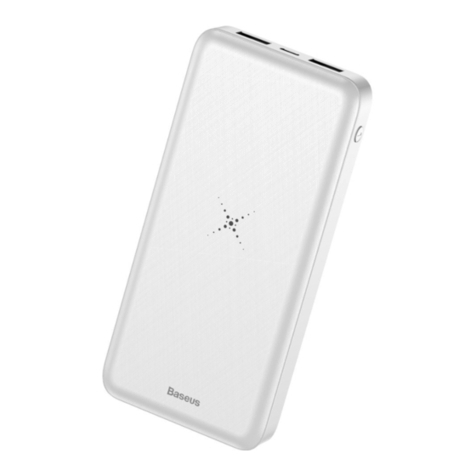
3) To charge a mobile hone with wireless charging function, press the ON/OFF button
once, and the LED indicator is lit. At this point, the power bank is supportive of
wireless charging. Place your mobile phone with wireless charging function at the
center on the side of the power pack bearing wireless charging mark to begin
charging your mobile phone, during which the LED indicator is constantly lit.
Tips
Please read all instructions and warning before using this product. Non-standard use will
damage the product or personal safety.
1. The charging contact surface on the back of the mobile phone should not be covered
with metal materials, such as iron sheet, ring, metal protective case, etc.
2. When the mobile phone is charging, if intermittent charging or serious heating is found,
it may be that the receiving coil of the mobile phone is not completely aligned with the
wireless charging coil, or there is metal foreign matter in the protective sleeve of the
mobile phone. Please try to cool the mobile phone, remove the protective sleeve, and
then align it in the correct position.