
Astronics Trig-Tek 203M Manual de usuario

Trig-Tek™
530B
Tracking Filter
User Manual
Publication No. 980974 Rev. B
Astronics Test Systems Inc.
4 Goodyear, Irvine, CA 92618
Tel: (800) 722-2528, (949) 859-8999; Fax: (949) 859-7139
atsinfo@astronics.com atssales@astronics.com
atshelpdesk@astronics.com http://www.astronicstestsystems.com
Copyright 2011 by Astronics Test Systems Inc. Printed in the United States of America. All rights reserved.
This book or parts thereof may not be reproduced in any form without written permission of the publisher.

THANK YOU FOR PURCHASING THIS
ASTRONICS TEST SYSTEMS PRODUCT
For this product, or any other Astronics Test Systems product that incorporates software drivers,
you may access our web site to verify and/or download the latest driver versions. The web
address for driver downloads is:
http://www.astronicstestsystems.com/support/downloads
If you have any questions about software driver downloads or our privacy policy, please contact
us at:
atsinfo@astronics.com
WARRANTY STATEMENT
All Astronics Test Systems products are designed to exacting standards and manufactured in full
compliance to our AS9100 Quality Management System processes.
This warranty does not apply to defects resulting from any modification(s) of any product or part
without Astronics Test Systems express written consent, or misuse of any product or part. The
warranty also does not apply to fuses, software, non-rechargeable batteries, damage from
battery leakage, or problems arising from normal wear, such as mechanical relay life, or failure to
follow instructions.
This warranty is in lieu of all other warranties, expressed or implied, including any implied
warranty of merchantability or fitness for a particular use. The remedies provided herein are
buyer’s sole and exclusive remedies.
For the specific terms of your standard warranty, contact Customer Support. Please have the
following information available to facilitate service.
1. Product serial number
2. Product model number
3. Your company and contact information
You may contact Customer Support by:
E-Mail: atshelpdesk@astronics.com
Telephone: +1 800 722 3262 (USA)
Fax: +1 949 859 7139 (USA)

RETURN OF PRODUCT
Authorization is required from Astronics Test Systems before you send us your product or sub-assembly for
service or calibration. Call or contact Customer Support at 1-800-722-3262 or 1-949-859-8999 or via fax at
1-949-859-7139. We can also be reached at: atshelpdesk@astronics.com.
If the original packing material is unavailable, ship the product or sub-assembly in an ESD shielding bag and
use appropriate packing materials to surround and protect the product.
PROPRIETARY NOTICE
This document and the technical data herein disclosed, are proprietary to Astronics Test Systems, and shall
not, without express written permission of Astronics Test Systems, be used in whole or in part to solicit
quotations from a competitive source or used for manufacture by anyone other than Astronics Test
Systems. The information herein has been developed at private expense, and may only be used for
operation and maintenance reference purposes or for purposes of engineering evaluation and incorporation
into technical specifications and other documents which specify procurement of products from Astronics
Test Systems.
TRADEMARKS AND SERVICE MARKS
All trademarks and service marks used in this document are the property of their respective owners.
•Racal Instruments, Talon Instruments, Trig-Tek, ActivATE, Adapt-A-Switch, N-GEN, and PAWS are
trademarks of Astronics Test Systems in the United States.
DISCLAIMER
Buyer acknowledges and agrees that it is responsible for the operation of the goods purchased and should
ensure that they are used properly and in accordance with this document and any other instructions
provided by Seller. Astronics Test Systems products are not specifically designed, manufactured or
intended to be used as parts, assemblies or components in planning, construction, maintenance or
operation of a nuclear facility, or in life support or safety critical applications in which the failure of the
Astronics Test Systems product could create a situation where personal injury or death could occur. Should
Buyer purchase Astronics Test Systems product for such unintended application, Buyer shall indemnify and
hold Astronics Test Systems, its officers, employees, subsidiaries, affiliates and distributors harmless
against all claims arising out of a claim for personal injury or death associated with such unintended use.
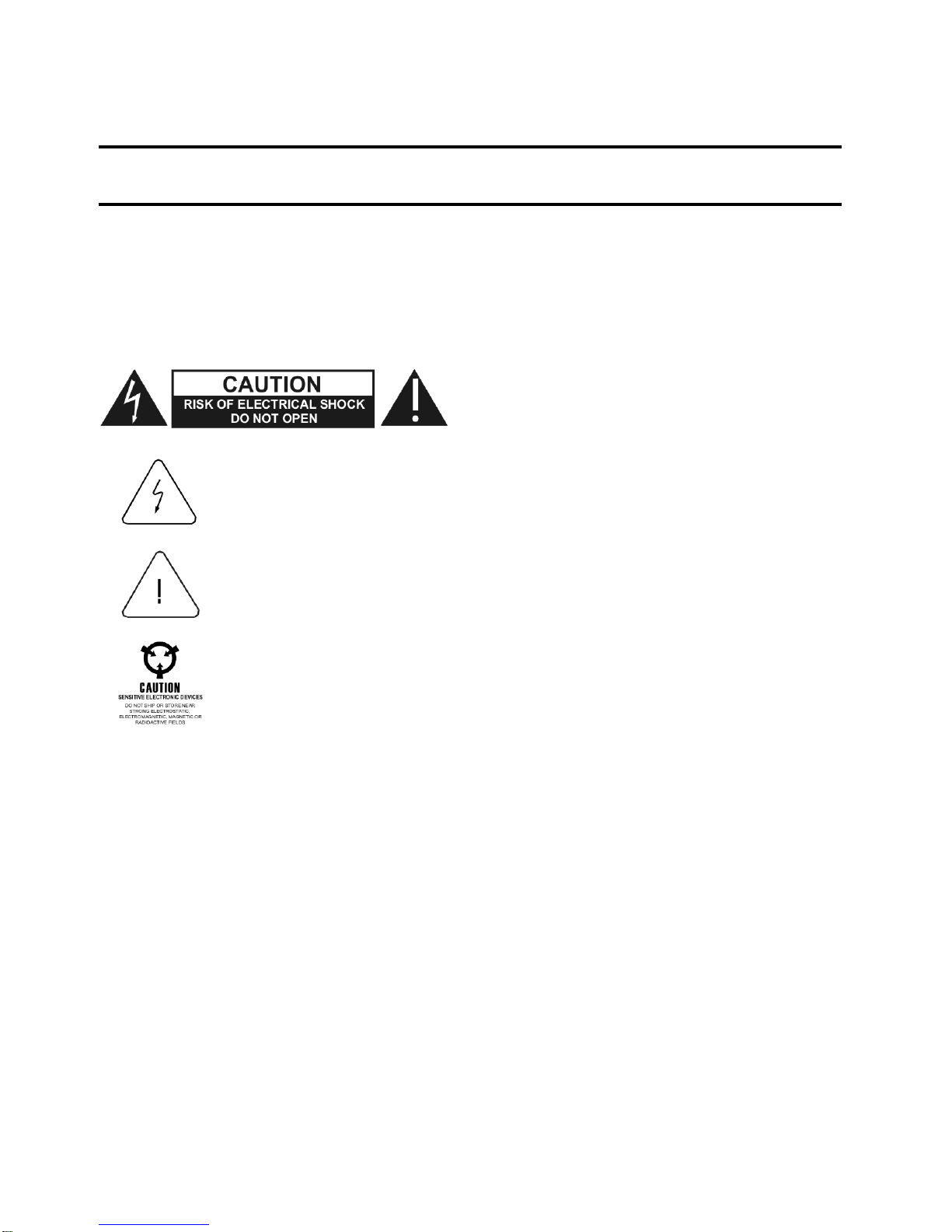
FOR YOUR SAFETY
Before undertaking any troubleshooting, maintenance or exploratory procedure, read carefully the
WARNINGS and CAUTION notices.
This equipment contains voltage hazardous to
human life and safety, and is capable of inflicting
personal injury.
If this instrument is to be powered from the AC line (mains) through an autotransformer,
ensure the common connector is connected to the neutral (earth pole) of the power
supply.
Before operating the unit, ensure the conductor (green wire) is connected to the ground
(earth) conductor of the power outlet. Do not use a two-conductor extension cord or a
three-prong/two-
prong adapter. This will defeat the protective feature of the third
conductor in the power cord.
Maintenance and calibration procedures sometimes call for operation of the unit with
power applied and protective covers removed. Read the procedures and heed warnings
to avoid “live” circuit points.
Before operating this instrument:
1. Ensure the proper fuse is in place for the power source to operate.
2. Ensure all other devices connected to or in proximity to this instrument are properly grounded or
connected to the protective third-wire earth ground.
If the instrument:
- fails to operate satisfactorily
- shows visible damage
- has been stored under unfavorable conditions
- has sustained stress
Do not operate until performance is checked by qualified personnel.

Publication No. 980974 Rev. B 530B User Manual
Astronics Test Systems i
Table of Contents
Chapter 1.........................................................................................................................1-1
Introduction.....................................................................................................................1-1
System Description ........................................................................................................................1-2
General.......................................................................................................................................1-2
Carrier Generator.......................................................................................................................1-3
Analyzer......................................................................................................................................1-3
System Specifications ....................................................................................................................1-3
Reference Input..........................................................................................................................1-3
Data Input...................................................................................................................................1-4
Filtered Signal Output.................................................................................................................1-4
DC of Level (Linear)...................................................................................................................1-4
DC of Frequency (Linear)...........................................................................................................1-5
DC of Level (Log) Optional.........................................................................................................1-5
DC of Frequency (Log)...............................................................................................................1-5
Bandwidth...................................................................................................................................1-5
Time Constant............................................................................................................................1-6
Controls......................................................................................................................................1-6
Indicators....................................................................................................................................1-6
Power.........................................................................................................................................1-7
Size ............................................................................................................................................1-7
Cabinets (required) ....................................................................................................................1-7
Chapter 2.........................................................................................................................2-1
Operation.........................................................................................................................2-1
Meter Input Switch......................................................................................................................2-1
Range FS Volts Switch...............................................................................................................2-1
DC Output TC Switch.................................................................................................................2-1
MANUAL-AUTO (LIMIT) Switch and BW Hz Thumb Switch......................................................2-2
OVER LOAD Light......................................................................................................................2-2
ERROR Light..............................................................................................................................2-2
DVM Front Panel Meter..............................................................................................................2-2
Wide Bandwidth Filter (Optional) ...............................................................................................2-2
Chapter 3.........................................................................................................................3-1
Performance Test............................................................................................................3-1
Test Equipment..........................................................................................................................3-1
Switch Setttings..........................................................................................................................3-1
Performance Test Procedure.....................................................................................................3-1
Checking the Bandwidth.............................................................................................................3-3

530B User Manual Publication No. 980974 Rev. B
ii Astronics Test Systems
Chapter 4 ........................................................................................................................4-1
Calibration Procedure....................................................................................................4-1
Test Equipment...........................................................................................................................4-1
Test Procedure...........................................................................................................................4-1
DC of Frequency Adjustments (Linear) ......................................................................................4-2
DC Zero Adjustments (W15B)....................................................................................................4-3
FS Range Adjust.........................................................................................................................4-3
Log of Adjustments.....................................................................................................................4-4
Bandwidth Adjustments (W 15B)................................................................................................4-5
.

Publication No. 980974 Rev. B 530B User Manual
Astronics Test Systems iii
List of Figures
Figure 1-1, 530B Tracking Filter.........................................................................................................1-2
Figure 4-1, Adjustment Resistor Locations........................................................................................4-2
Figure 4-2, Front Panel Meter Circuit Board Adjustment ...................................................................4-4

530B User Manual Publication No. 980974 Rev. B
iv Astronics Test Systems
This page was left intentionally blank.

Publication No. 980974 Rev. B 530B User Manual
Astronics Test Systems v
DOCUMENT CHANGE HISTORY
Revision Date Description of Change
A 03/31/2011 Document Control release
B 01/28/2012 Revised per ECN02268 updating bandwidth
numbers in Chapter 3.

530B User Manual Publication No. 980974 Rev. B
vi Astronics Test Systems
This page was left intentionally blank.
Otros manuales para Trig-Tek 203M
1
Este manual sirve para los siguientes modelos
1
Tabla de contenidos


