2. Open Phone Bluetooth, or device and search for “Activa Wireless Earbuds”,
then click to pair with earbuds. You will hear “Connected” once paired
successfully. Once paired, the earbuds will automatically connect back to
the Bluetooth device last used. If you are unable to connect to your phone
or device, please clear all listed Bluetooth connection names in your phone
rst,thensearchfor“ActivaWirelessEarbuds”andpairmanually.
* When powered on without connection, the buds will automatically power
off after 5 minutes.
* The left and right earphones can be used as separate mono earphones
when used alone.
True Wireless Stereo Headset Pairing:
Pick up the Wireless Pods from the charging case, both pods will automatically
turn on and enter the left and right synchronized ear pairing mode.
Tips:
Be sure to disconnect both ear buds from your Bluetooth device prior to
attempting reconnection via the steps listed below.
* If pairing fails, place both earbuds in the charging case and then try again.
* If there is no sound after the main and auxiliary ears are connected, place
both earbuds back into the charging case and try again. The pods should
automatically connect. If not, connect to the device manually in your
Bluetooth settings.
CHARGING
1) Earbuds:
When the battery is low, the earbuds will give a voice reminder. Open the charging
case and place the earbuds in the case to charge. The red light will remain on while
charging and switch off when charging is complete.
Note: While the earbuds charge, the charging case lights up blue and will switch off
once the earbuds have fully charged.
2) Charging Case:
Whenthechargingcase’spowerislow,thebluelightofthechargingcasewillash,
indicating that you need to charge the case. The light will switch to remaining fully
on(andstopashing)oncefullycharged.
2 Ways to Charge the Case:
A: Use a Type-C USB charging cable to connect to the Type-C USB port of
charging case.
B: Wireless charging function: The charging case comes with a wireless charging
coil, and other wireless chargers can be used to charge the case. Place the
charging case on the wireless charger for direct charging. It is recommended to
use a dedicated wireless charging base to charge the case.
Note: Fully charge the charging case prior to rst use.
Accessories List:
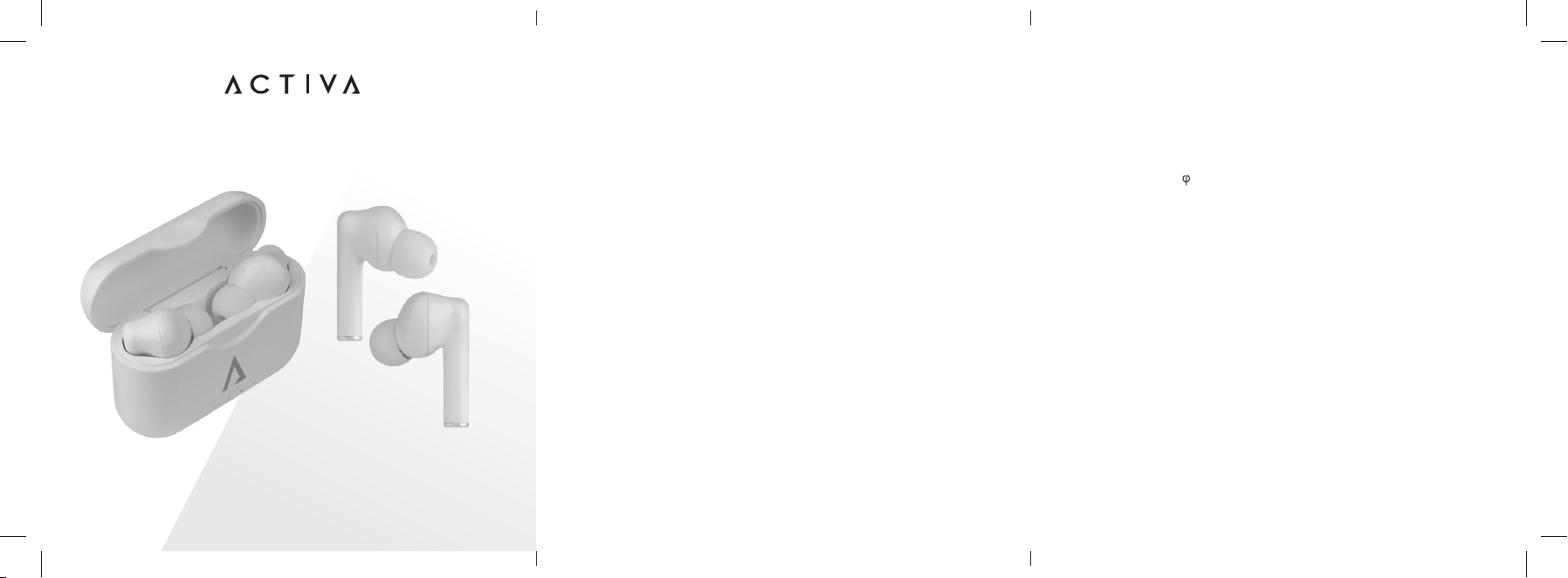
• One pair of Activa Wireless Earbuds with Dynamic Speakers
• One Charging Case
• One Type C Charging Cable
• Two Pairs of Ear Caps (large/small)
WARRANTY
Limited Lifetime Warranty
Your Activa Wireless Earbuds with Dynamic Speakers are backed by a limited
lifetime manufacturer’s warranty. Activa will repair or replace your device at any
time should it fail due to a defect in material or workmanship, subject to the
certain limitations.
This limited warranty does not cover any damage that results from unauthorized
or improper use, service, or repair. Further, it does not cover damage caused
by accident, impact, negligence, or normal wear and tear. Should you discover
your Activa Wireless Earbuds with Dynamic Speakers are not functioning
properly, please send your device to our repair center for evaluation. If your
product cannot be repaired or serviced, we will reserve the right to change it for
a similar or newer model.
Pleasenotethataatrateof$30.00willbechargedtocoveraservice
evaluation fee and return shipping of your device. All warranty claims must be
accompanied by a copy of your proof of purchase from an authorized retailer.
Please send your device, proof of purchase, and a check or money order in the
amountof$30.00madeouttoActivato:
Address:
Activa Service Center
3069 Taft Street
Hollywood, FL 33021
Contact:
warranty@activaofcial.com